Question

No “Size and Scale” options after unregistering previous Prism Central and redeploying

  • May 6, 2026
  • 10 replies
  • 48 views

anhpc

I'm trying to deploy Prism Central (PC) from Prism Element (PE). Previously, I had registered a PC to the cluster and then unregistered it to redeploy a new one.

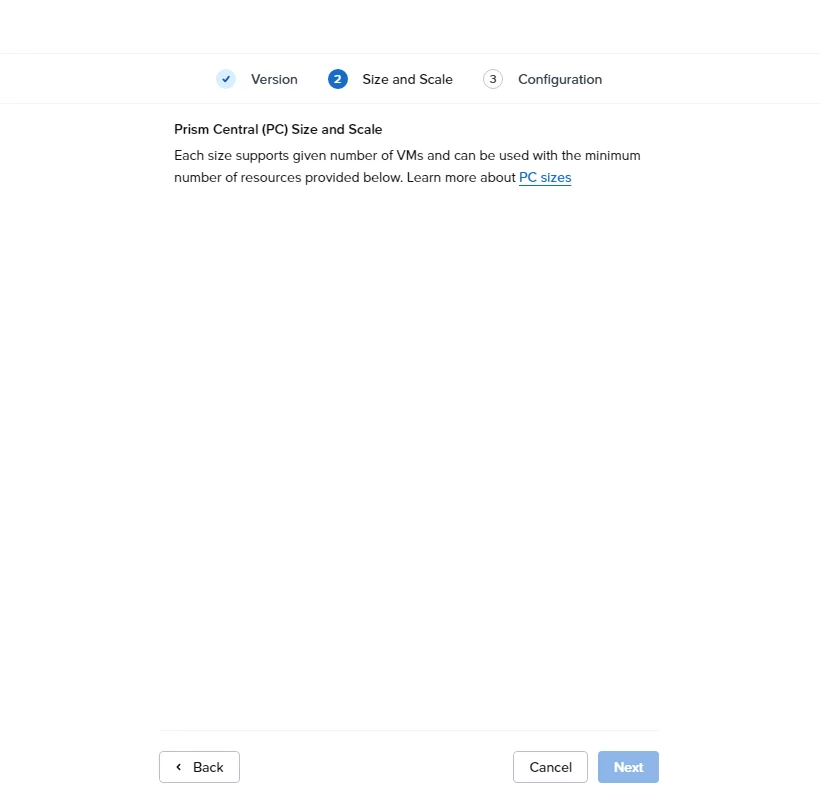
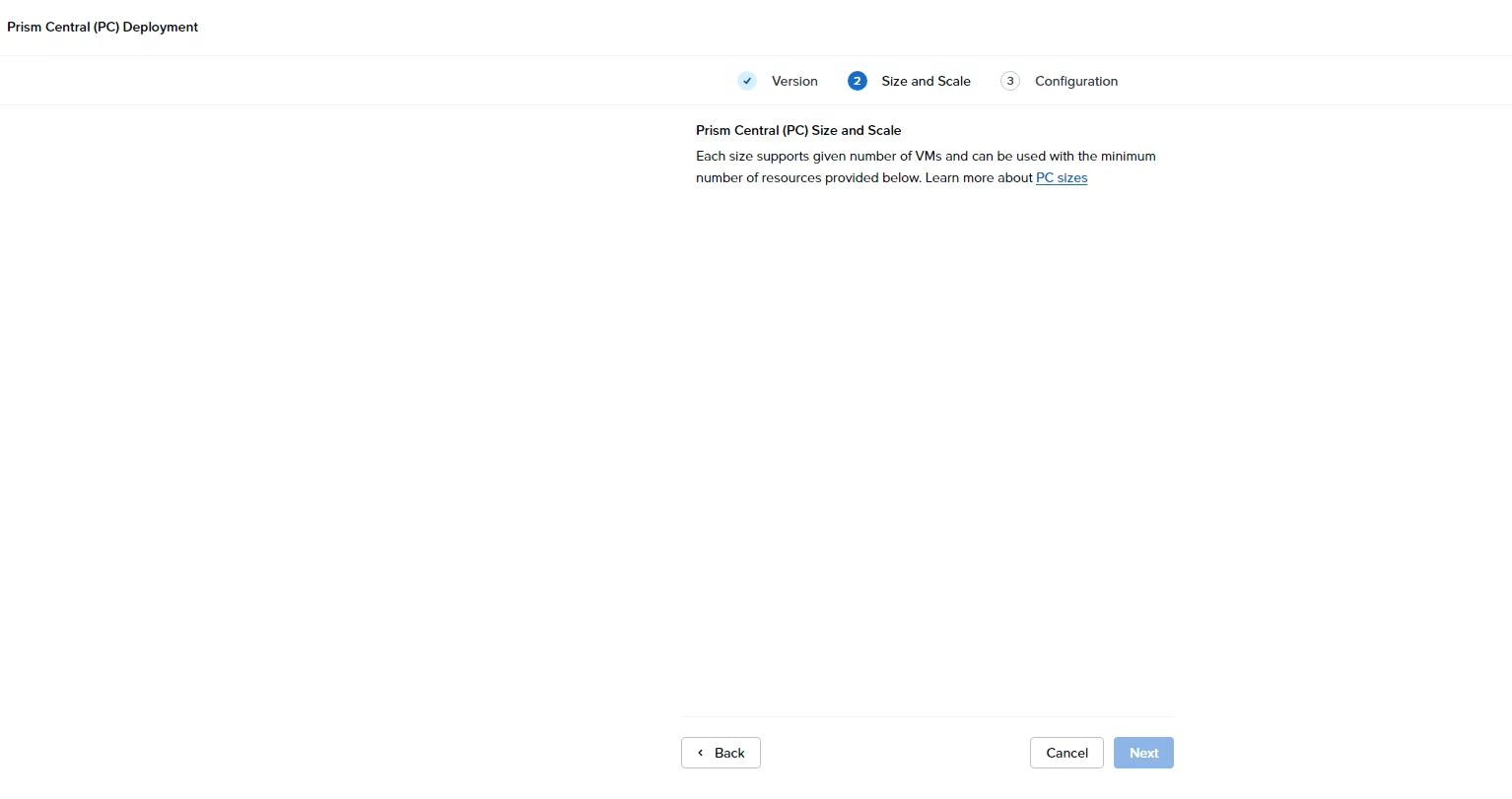
However, during the new deployment, at the “Size and Scale” step, no selectable options (Small/Medium/Large) are shown — only the description text appears.

Current situation:

  • No dropdown or selectable options available
  • No explicit error message
  • Cluster is running normally

I'm not sure if this issue is related to the previous register/unregister of PC, or due to resource constraints, version mismatch, or a UI issue.

Has anyone experienced this after unregistering PC? Is there any cleanup required on the cluster before redeploying Prism Central?

10 replies

jarrodl
Forum|alt.badge.img+2
  • Vanguard
  • May 6, 2026

I'm trying to deploy Prism Central (PC) from Prism Element (PE). Previously, I had registered a PC to the cluster and then unregistered it to redeploy a new one.

However, during the new deployment, at the “Size and Scale” step, no selectable options (Small/Medium/Large) are shown — only the description text appears.

Current situation:

  • No dropdown or selectable options available
  • No explicit error message
  • Cluster is running normally

I'm not sure if this issue is related to the previous register/unregister of PC, or due to resource constraints, version mismatch, or a UI issue.

Has anyone experienced this after unregistering PC? Is there any cleanup required on the cluster before redeploying Prism Central?
There are some issues that can come from unregistered a PE cluster from a PC.
Additional information can be found here: https://portal.nutanix.com/page/documents/details?targetId=Web-Console-Guide-Prism-v7_5:mul-unregister-wc-t.html


That documentation also includes some steps on how to resolve some common issues that come from unregistration actions.


Forum|alt.badge.img+3

to add to above comment, in Nutanix, you remove a cluster from PC if you want to decommission the cluster,thats why you might face an issue if you like to add the same cluster again to a PC (black listed), but again that can be sorted out via CLI as well,just let us know if you faced it. :)


anhpc
  • Author
  • Adventurer
  • May 7, 2026

to add to above comment, in Nutanix, you remove a cluster from PC if you want to decommission the cluster,thats why you might face an issue if you like to add the same cluster again to a PC (black listed), but again that can be sorted out via CLI as well,just let us know if you faced it. :)

Yes, that is exactly the issue I am facing.


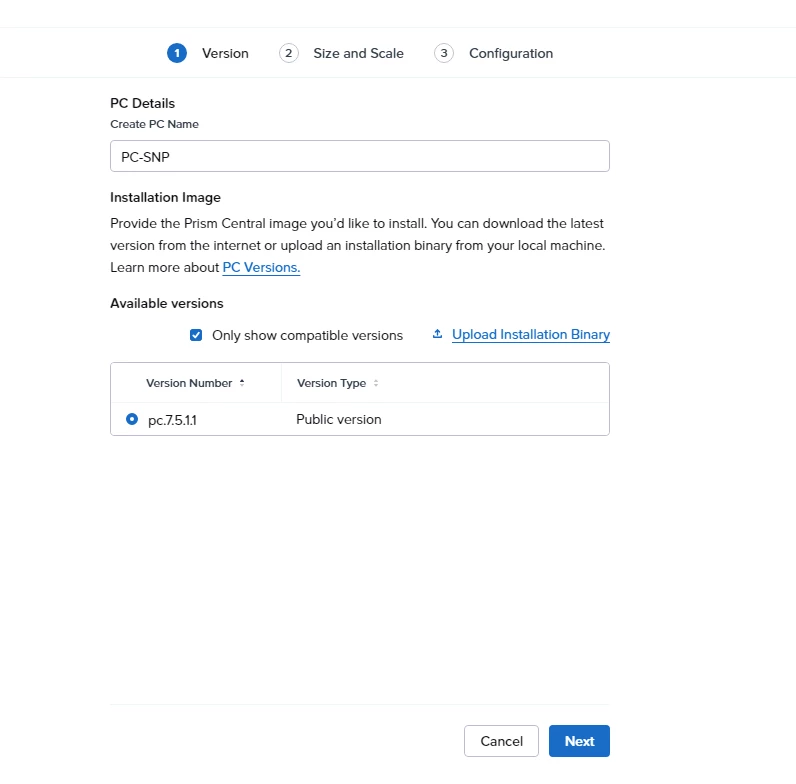
Previously, I registered a Prism Central 7.5.1.1 instance to the cluster and later unregistered/decommissioned it.


Could you please share the CLI steps or the proper procedure to clear the old Prism Central registration/trust information so I can deploy/register the new PC successfully?


Thank you.


Forum|alt.badge.img+3

login to CVM and try zkcat /appliance/physical/blacklisted | strings

if you got Zookpper error:no node, that means there is no entry in black list if anything else, that means there is an entry and you need to run the below command.
but before that , you need to ensure that PE is not connected to any PC :

#ncli multicluster get-cluster-state   

it should give you 0 .
then run below command one more time 
 

zkrm /appliance/physical/blacklisted
and one more time to confirm there is no entry.

zkcat /appliance/physical/blacklisted | strings


for production environment , always involve support team!


anhpc
  • Author
  • Adventurer
  • May 7, 2026

login to CVM and try zcat /appliance/physical/blacklisted | strings

if you got Zookpper error:no node, that means there is no entry in black list if anything else, that means there is an entry and you need to run the below command.
but before that , you need to ensure that PE is not connected to any PC :

#ncli multicluster get-cluster-state   

it should give you 0 .
then run below command one more time 
 

zkrm /appliance/physical/blacklisted
and one more time to confirm there is no entry.

zcat /appliance/physical/blacklisted | strings


for production environment , always involve support team!

nutanix@NTNX-SN-D-CVM:xx.xx.xx.xx:~$ clear
nutanix@NTNX-SN-D-CVM:xx.xx.xx.xx:~$ zcat /appliance/physical/blacklisted | strings
gzip: /appliance/physical/blacklisted.gz: No such file or directory
nutanix@NTNX-SN-D-CVM:xx.xx.xx.xx:~$ ncli multicluster get-cluster-state
Registered Cluster Count: 0
    [None]
nutanix@NTNX-SN-D-CVM:xx.xx.xx.xx:~$ zkrm /appliance/physical/blacklisted
Zookeeper error: no node.
nutanix@NTNX-SN-D-CVM:xx.xx.xx.xx:~$ zcat /appliance/physical/blacklisted | strings
gzip: /appliance/physical/blacklisted.gz: No such file or directory
nutanix@NTNX-SN-D-CVM:xx.xx.xx.xx:~$


Forum|alt.badge.img+3

Hi,

I am sorry there was a typo in my comment and I have fixed it (zcat should be zkcat).

would you try again with PC registration and let us know if you face the same issue


anhpc
  • Author
  • Adventurer
  • May 7, 2026

Still displaying: Zookeeper error: no node.


Forum|alt.badge.img+3

Zookeeper error: no node means that PE is not blacklisted anymore.


anhpc
  • Author
  • Adventurer
  • May 7, 2026

at the “Size and Scale” step, no selectable options (Small/Medium/Large) are shown


LMohammed
Forum|alt.badge.img+1
  • Trailblazer
  • May 7, 2026

Hi ​@anhpc 

Sorry I nee to start with the basics,

I’m assuming that you have followed the proper way to unregister the PC :
https://portal.nutanix.com/page/documents/details?targetId=Web-Console-Guide-Prism-v7_5:mul-unregister-wc-t.html
 

1- Verify from any cvm

ncli multicluster get-cluster-state ==> the output should be Registered Cluster Count: 0
 

2- Verify from Prism Central

ncli multicluster get-cluster-state ==> The output should NOT contain:

The cluster name
The cluster UUID

3- Confirm Cleanup Script Completed?

Otherwise, Please try to redeploy another version of PC and check if you will face the same error again!