Question

Auto Power On/Off VM Based on User Login/Logout via Prism Central (IAM)

  • March 26, 2026
  • 4 replies
  • 35 views

anhpc

Hi everyone,

I’m currently working on a use case in Nutanix Prism Central and would appreciate your guidance.

**Requirements:**

* Assign a dedicated VM to each user.
* When a user logs into Prism Central via an IAM Windows Server link (SSO), the VM assigned to that user should automatically power on.
* When the user logs out, the VM should automatically power off (or shut down gracefully).

**Questions:**

1. Is there any built-in feature in Prism Central or Nutanix IAM that supports this kind of user-to-VM assignment with automatic power control?
2. Can this be achieved using Nutanix Calm, Runbooks, or automation policies?
3. What is the recommended way to trigger actions based on user login/logout events (e.g., via audit logs, webhooks, or IAM integration)?
4. Are there any best practices for mapping users to VMs (e.g., using categories or tags)?

If anyone has implemented a similar solution or can suggest an approach, I'd really appreciate your input.

Thanks in advance!

4 replies

JeroenTielen
Forum|alt.badge.img+8

Yes you can create this although it is not in the system.  It should work something like this:

When a uses is logging is you can see it in the audit logs. Unfortunately you cant use audit logs to trigger a playbook. But you can send those logs to (for example) a syslog server. If that syslog server is able to run a script when a certain log is received you can create the script to start the virtual machine (API call to Prism Central to start machine)


anhpc
  • Author
  • Voyager
  • March 27, 2026

Yes you can create this although it is not in the system.  It should work something like this:

When a uses is logging is you can see it in the audit logs. Unfortunately you cant use audit logs to trigger a playbook. But you can send those logs to (for example) a syslog server. If that syslog server is able to run a script when a certain log is received you can create the script to start the virtual machine (API call to Prism Central to start machine)


Hi JeroenTielen,
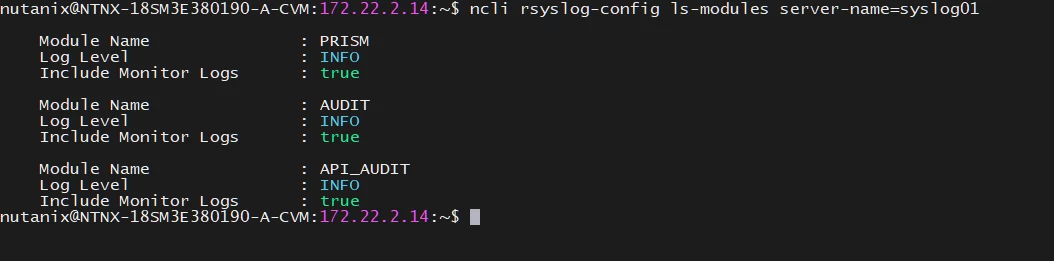
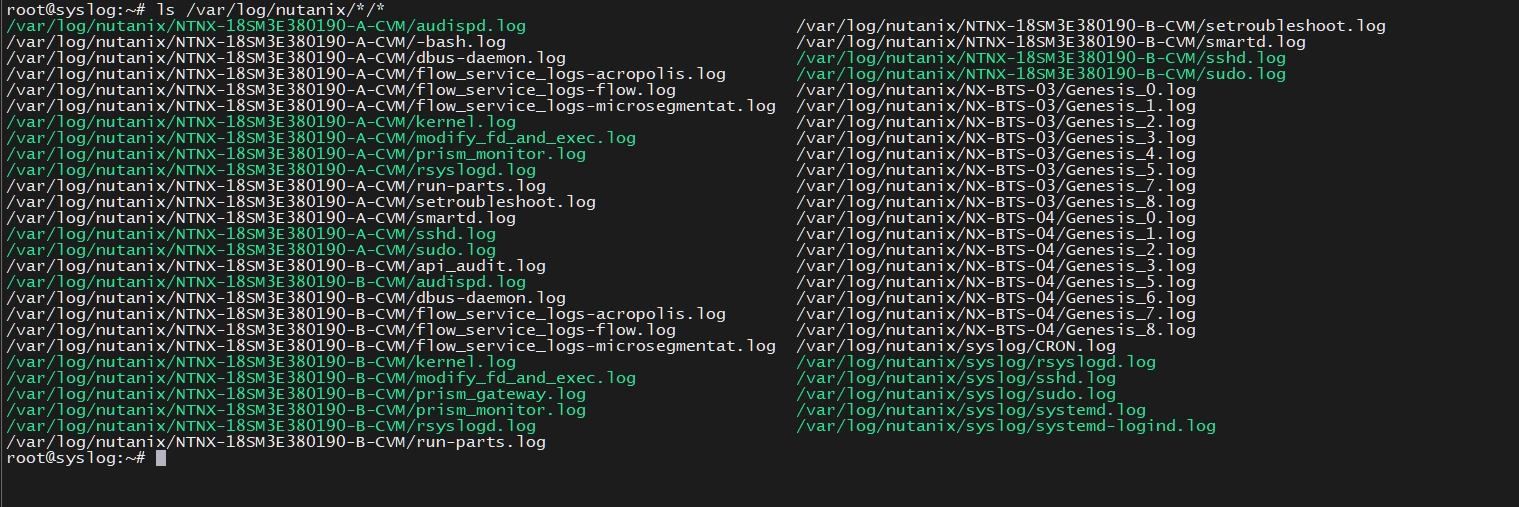
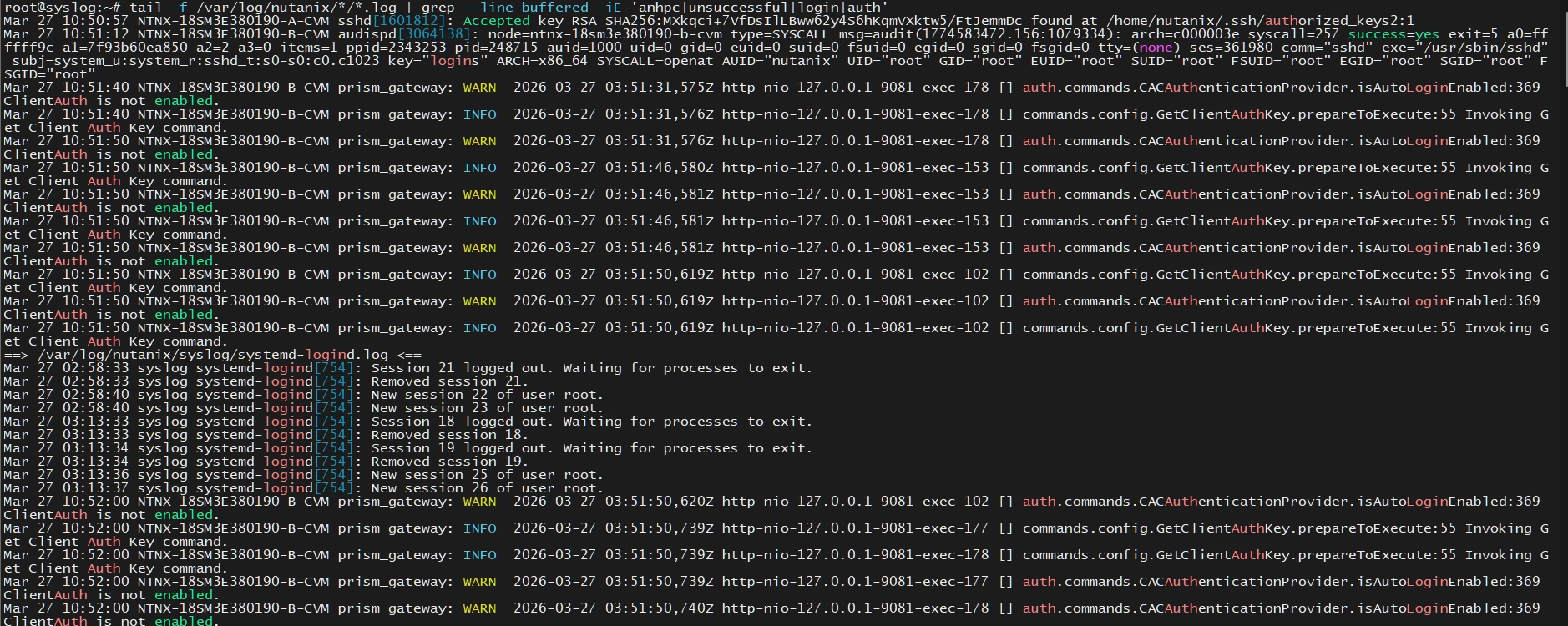
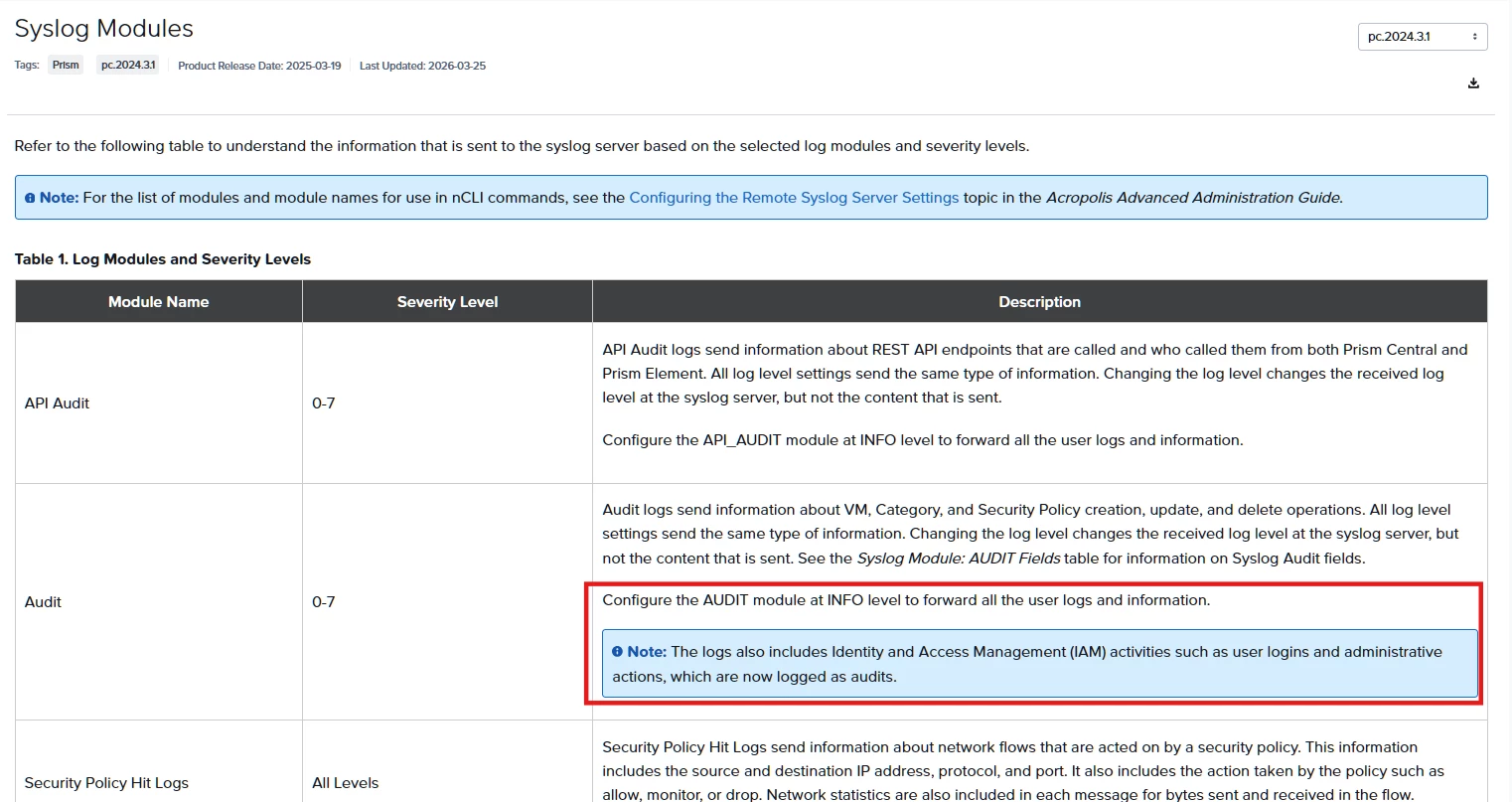
I configured the AUDIT module at the INFO level to forward all logs, but when I log in as the IAM user on the PC, no audit logs are recorded.


anhpc
  • Author
  • Voyager
  • March 27, 2026

Yes you can create this although it is not in the system.  It should work something like this:

When a uses is logging is you can see it in the audit logs. Unfortunately you cant use audit logs to trigger a playbook. But you can send those logs to (for example) a syslog server. If that syslog server is able to run a script when a certain log is received you can create the script to start the virtual machine (API call to Prism Central to start machine)


Hi JeroenTielen,
I configured the AUDIT module at the INFO level to forward all logs, but when I log in as the IAM user on the PC, no audit logs are recorded.

The configuration must be done via the web using the UDP protocol.
Now I can automatically turn the virtual machine on and off based on the logs, thank you.


JeroenTielen
Forum|alt.badge.img+8
  • Vanguard
  • March 27, 2026

Awesome. Nice work ​@anhpc