Question

Migrating VMs from Nutanix to Proxmox

  • Jun 19, 2024 9:37 AM UTC
  • 17 replies
  • 3170 views

Forum|alt.badge.img+2

Hello,
I have tested Nutanix a bit and would like to know if it is possible to move VMs from Nutanix to Proxmox?
I have found the discs from one VM, but I would have to convert the files to gpt etc.?

So that I can use the Windows VM in Proxmox again?

This topic has been closed for replies.

17 replies

Forum|alt.badge.img+2
  • Author
  • Trendsetter
  • Jun 19, 2024 9:39 AM UTC

there are the Files from the Win Vm


JeroenTielen
Forum|alt.badge.img+8

If you download those files you can rename name to qcow2 extension and import them into proxmox. 


Forum|alt.badge.img+2
  • Author
  • Trendsetter
  • Jun 19, 2024 10:14 AM UTC

If you download those files you can rename name to qcow2 extension and import them into proxmox. 

ah ok,
I'll try that with the 80GB file.
Just rename the file extension to qcow2, or do you have to convert it?


JeroenTielen
Forum|alt.badge.img+8

Well this is the Nutanix forums not the Proxmox forums. But yes, just rename ;) 


Forum|alt.badge.img+2
  • Author
  • Trendsetter
  • Jun 19, 2024 12:55 PM UTC

If you download those files you can rename name to qcow2 extension and import them into proxmox. 

mhh


JeroenTielen
Forum|alt.badge.img+8

Hmm ok. What you can do as well, in prism central, create an ova file from the virtual machine. 


Forum|alt.badge.img+2
  • Author
  • Trendsetter
  • Jun 19, 2024 1:04 PM UTC

Hmm ok. What you can do as well, in prism central, create an ova file from the virtual machine. 

i have the CE Version??

How can i make that


JeroenTielen
Forum|alt.badge.img+8

Install prism central, connect cluster to prism central, create ova from virtual machine. This is also available for the CE version. 


Forum|alt.badge.img+2
  • Author
  • Trendsetter
  • Jun 19, 2024 2:24 PM UTC

Install prism central, connect cluster to prism central, create ova from virtual machine. This is also available for the CE version. 


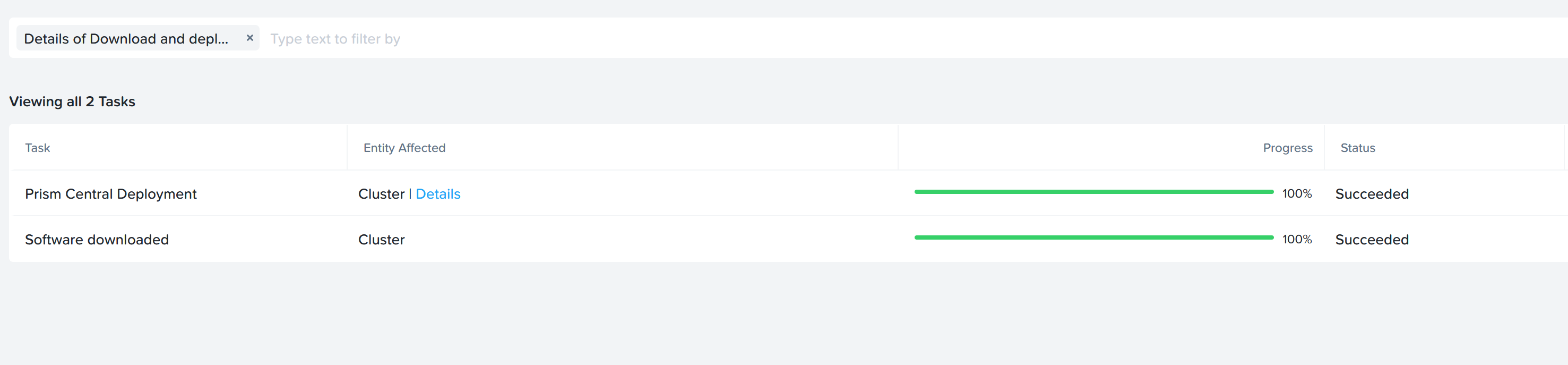
mhh I have done the registration, but it is not registered.


JeroenTielen
Forum|alt.badge.img+8

After you deploy prism central, go to https://<prism central ip>:9440 login with default credentials admin Nutanix/4u (yes with capital N) and finalize the installation. Then you can connect/register to prism central from prism element. 


Forum|alt.badge.img+2
  • Author
  • Trendsetter
  • Jun 20, 2024 6:32 AM UTC

After you deploy prism central, go to https://<prism central ip>:9440 login with default credentials admin Nutanix/4u (yes with capital N) and finalize the installation. Then you can connect/register to prism central from prism element. 

Thx,

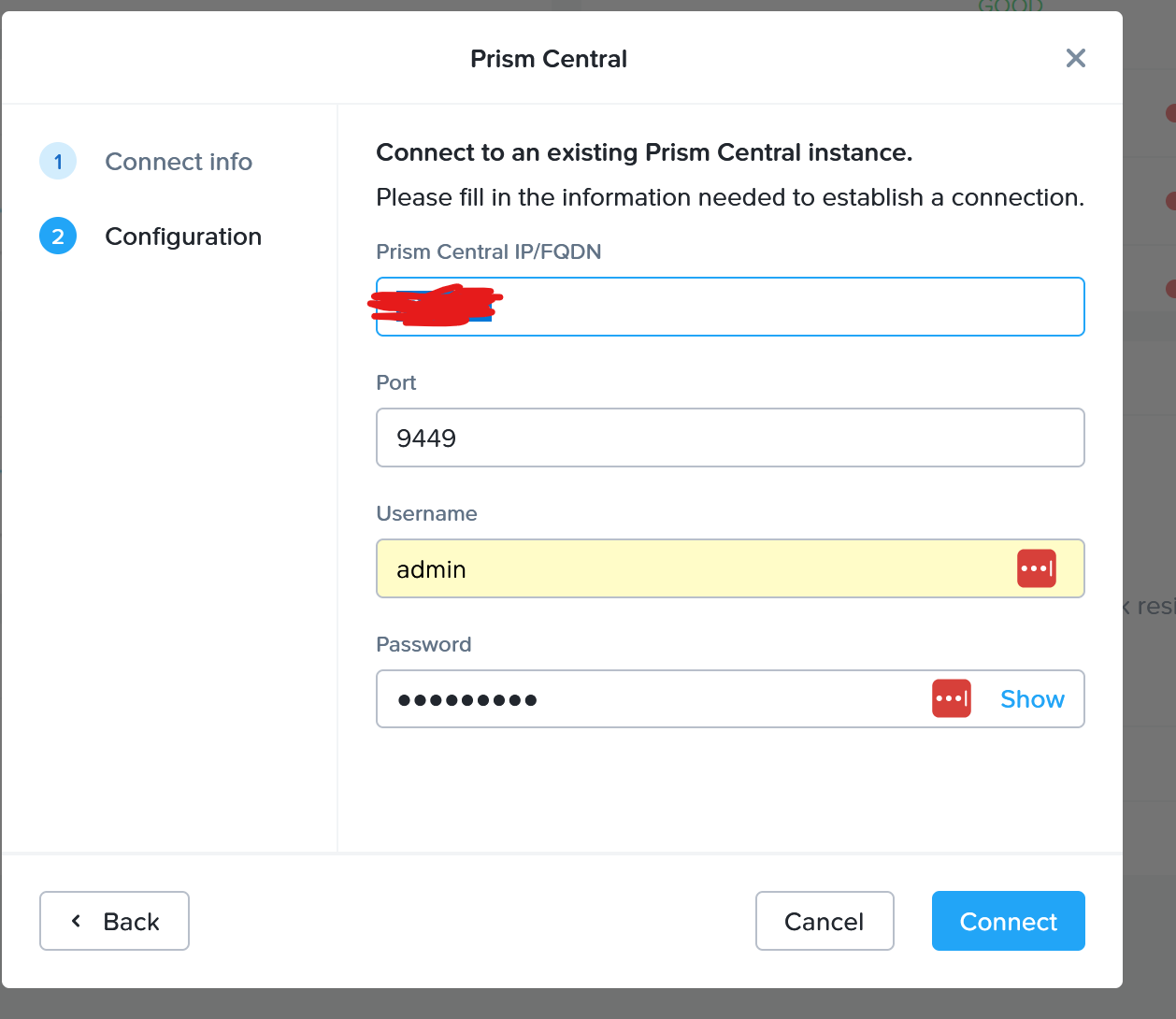
Prism Central is active, but when I now click on register via the hypervisor and enter the data for the Central, registration always fails.

Password etc. is correct


JeroenTielen
Forum|alt.badge.img+8

That is because the port is 9440 ;)


Forum|alt.badge.img+2
  • Author
  • Trendsetter
  • Jun 20, 2024 6:40 AM UTC

That is because the port is 9440 ;)

ok, it's clearly too early, I'm going back to bed ;)


Forum|alt.badge.img+2
  • Author
  • Trendsetter
  • Jun 20, 2024 10:44 AM UTC

Can you tell me the SSH Path to the ova File?


I would transport the file immediately via SSH


Forum|alt.badge.img+2
  • Author
  • Trendsetter
  • Jun 21, 2024 9:04 AM UTC

ok Thx, can y tell me, how is the path from the conatiner from the prism Central via ssh, i want copy the ova to the other server


sl.farhanparkar
Forum|alt.badge.img+5

Hi,

Once the OVA is created it available to download from Ova templates menu.

late on board..

Had you seen the KB3059 and KB3577 for your requirement.

F>P


Forum|alt.badge.img+2
  • Author
  • Trendsetter
  • Jun 21, 2024 9:38 AM UTC

Hi,

Once the OVA is created it available to download from Ova templates menu.

late on board..

Had you seen the KB3059 and KB3577 for your requirement.

F>P

yes, because i want scp or rsync the files to another server