Solved

Cluster deployment of CISCO Rackservers HCI 220C M8

  • January 26, 2026
  • 3 replies
  • 40 views

Forum|alt.badge.img+2

Hello Community,


we have to set up a cluster with CISCO 220C M8 Rackservers.

In Nutanix Documentation I saw two methods:

  • UCS Manager (Foundation VM)
  • ISM Standalone (Foundation Central)

But customer does not have got any of these management solutions.

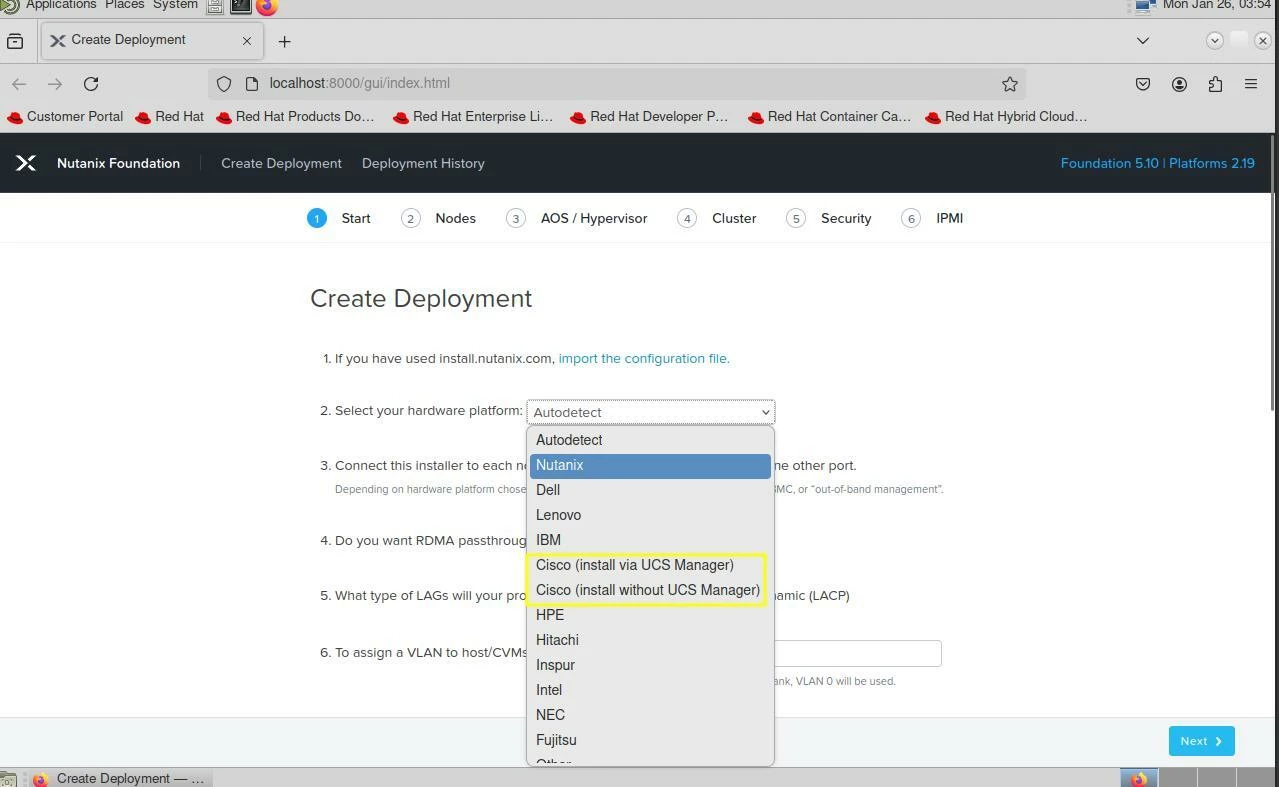
In Foundation VM I can see two options:

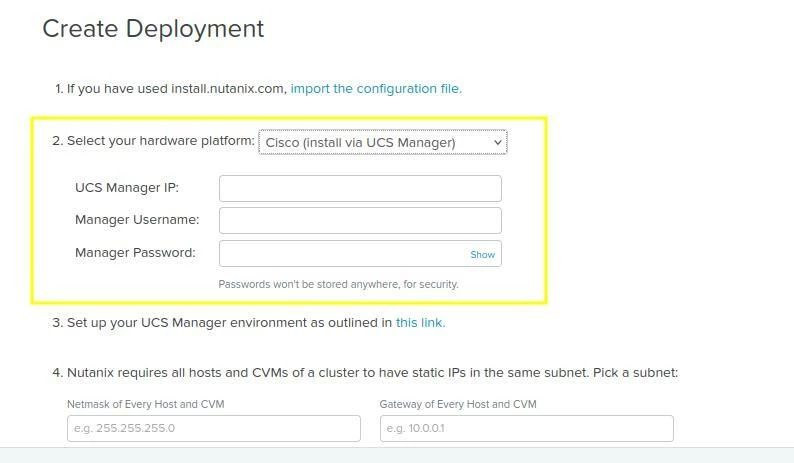
  • Cisco (install via UCS Manager)
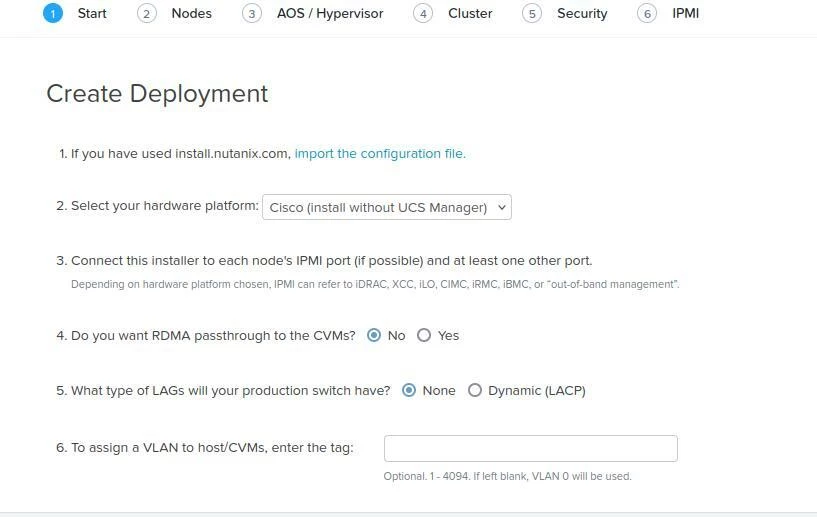
  • Cisco (install without UCS Manager)

Does the second option mean that I can do a foundation standalone like other servers (HPE, DELL, ...)?


Thanks in advance,

kid regards, Thomas


Best answer by selvamani

Hi ThomasM

No UCS Manager is required. The “install without UCS Manager” option is designed exactly for this scenario and works like a normal Foundation standalone deployment.

The servers are in Standalone mode (not UCS-managed) . CIMC/IPMI access is available for each node. 

Firmware and hardware are on the Nutanix Cisco UCS Compute Server Hardware Compatibility list


Cisco C220 M8 is supported for Nutanix HCI, but it’s part of the Cisco Compute Hyperconverged with Nutanix validated platforms rather than a generic server listed in the base HCL. Cisco and Nutanix have jointly validated specific C220 M8 configurations for Nutanix deployments, and you’ll find product documentation and spec sheets for the Cisco Compute Hyperconverged C220 M8 nodes on the  Cisco site.


Thanks 
Selvamani.S

3 replies

selvamani
Forum|alt.badge.img+1
  • Adventurer
  • Answer
  • January 30, 2026

Hi ThomasM

No UCS Manager is required. The “install without UCS Manager” option is designed exactly for this scenario and works like a normal Foundation standalone deployment.

The servers are in Standalone mode (not UCS-managed) . CIMC/IPMI access is available for each node. 

Firmware and hardware are on the Nutanix Cisco UCS Compute Server Hardware Compatibility list


Cisco C220 M8 is supported for Nutanix HCI, but it’s part of the Cisco Compute Hyperconverged with Nutanix validated platforms rather than a generic server listed in the base HCL. Cisco and Nutanix have jointly validated specific C220 M8 configurations for Nutanix deployments, and you’ll find product documentation and spec sheets for the Cisco Compute Hyperconverged C220 M8 nodes on the  Cisco site.


Thanks 
Selvamani.S


  • Voyager
  • January 30, 2026

Hi,


i work alot with UCS.


There a 3 Ways.


It depends on your Sceanrio.


  1. IMM - Intersight Managed Mode
    1. https://community.cisco.com/t5/unified-computing-system-knowledge-base/cisco-compute-hyperconverged-with-nutanix-imm-field-guide/ta-p/5219852
  2. UMM - UCS Manager Mode
    1. https://community.cisco.com/t5/unified-computing-system-knowledge-base/cisco-compute-hyperconverged-with-nutanix-ucs-managed-mode-field/ta-p/4982563
  3. Standalone Mode (exclusive to C Series, no FIs Required)
    1. https://community.cisco.com/t5/unified-computing-system-knowledge-base/cisco-compute-hyperconverged-with-nutanix-ism-field-guide/ta-p/5101084

Use the Cisco Field Install Guides (it is linked in the Cisco Community Links i shared) :)


PS:

If he has no Intersight, migrate him first. IMM is the Future :)

Use the IMM Migration Tool as a Webserver für Deploy AHV and AOS etc.


Best regards


Grill3x


Forum|alt.badge.img+2
  • Author
  • Trailblazer
  • January 30, 2026

Thanks to you.

Answer from ​@selvamani seems to be the best solution for us.

@Grill3x My customer does not using any CISCO Management Tools, actually the old and obsolete prime infrastructure.

They bought CISCO Servers from its hardware partner, because there are conditions that makes the hardware cheaper instead of HPE oder DELL ….

Thanks an kind regards,

Thomas