Question

Prism central creation failes on Prism Element dashboard

  • December 4, 2025
  • 21 replies
  • 94 views

Forum|alt.badge.img+1

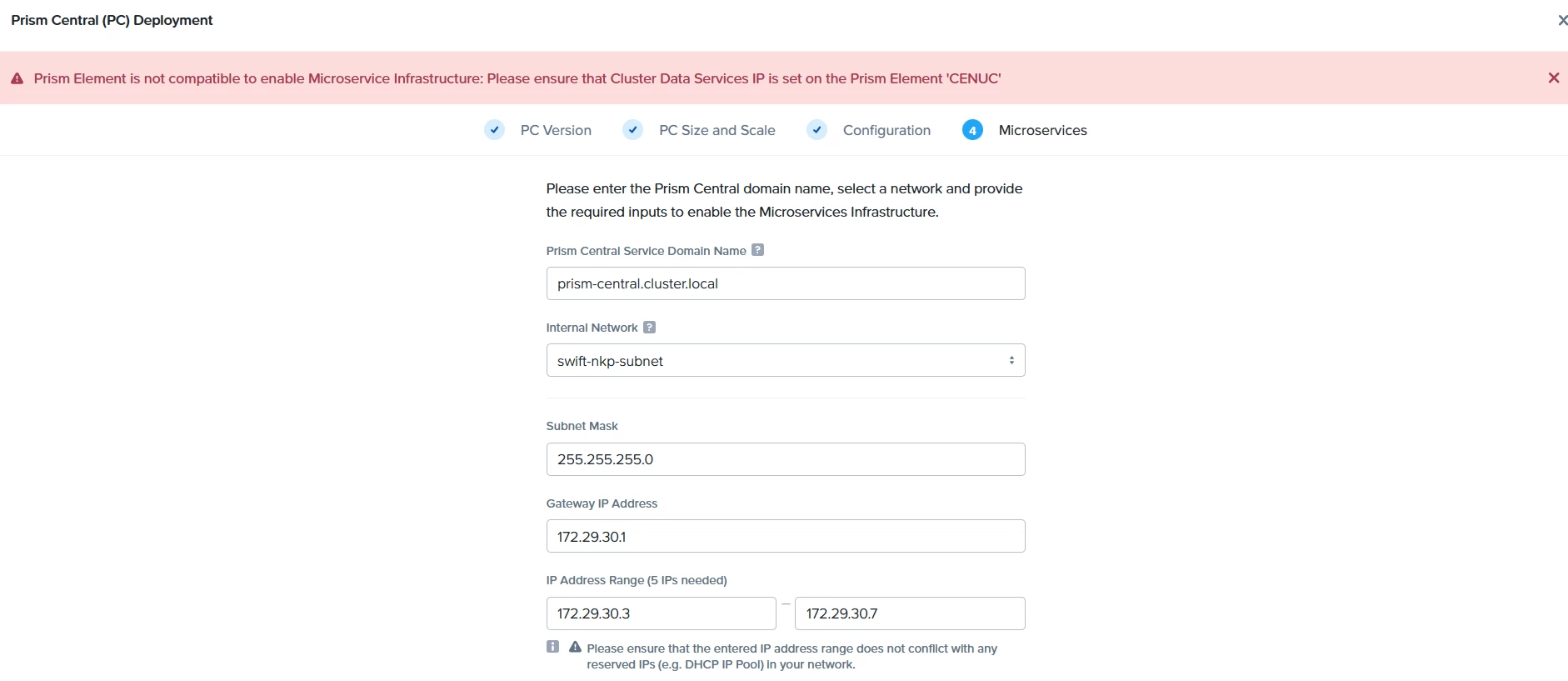
We have accessed prism element dashboard, but when we click on ‘Register or create new prism central’. We are getting issue to deploy the microservices. 


# ncli cluster info


    Cluster Id                : 0006451c-8b67-1207-1f32-005056bae2ac::2247859509063770796
    Cluster Uuid              : 0006451c-8b67-1207-1f32-005056bae2ac
    Cluster Name              : CENUC
    Cluster Version           : 6.8.1
    Cluster Full Version      : el8.5-release-fraser-6.8.1-stable-a8aad732dfbfaa2b3bcea0b0c27fbd51d8480f4e
    External IP address       : 172.29.30.3
    Node Count                : 1
    Block Count               : 1
    Shadow Clones Status      : Enabled
    Has Self Encrypting Disk  : no
    Cluster Masquerading I... :
    Cluster Masquerading PORT :
    Is registered to PC       : false
    Rebuild Reservation       : Disabled
    Encryption In Transit     : Disabled
    Is LTS                    : false
    External Data Services... :
    Support Verbosity Level   : BASIC_COREDUMP
    Lock Down Status          : Disabled
    Password Remote Login ... : Enabled
    Timezone                  : UTC
    On-Disk Dedup             : Disabled
    NCC Version               : ncc-5.0.1
    Degraded Node Monitoring  : Enabled


I unable to set the data service IP as this was saying it doesn't support for this AOR version. Is there any way to set up data services, so that Prism central can be created.

21 replies

JeroenTielen
Forum|alt.badge.img+8
  • Vanguard
  • December 4, 2025

In Prism Element click on the top left on the clustername. Scroll a bit down and set the iSCSI data services IP. 


Or via CVM cli: ncli cluster edit-params external-data-services-ip-address=10.0.1.31 
Replace 10.0.1.31 with the correct ip-address.


Forum|alt.badge.img+1
  • Author
  • Trailblazer
  • December 4, 2025

Hello Jeroen,


Great!. It worked and now Prim Central is deploying. Will let you know once deployed or sees any issue.


Forum|alt.badge.img+1
  • Author
  • Trailblazer
  • December 8, 2025

Hello ,


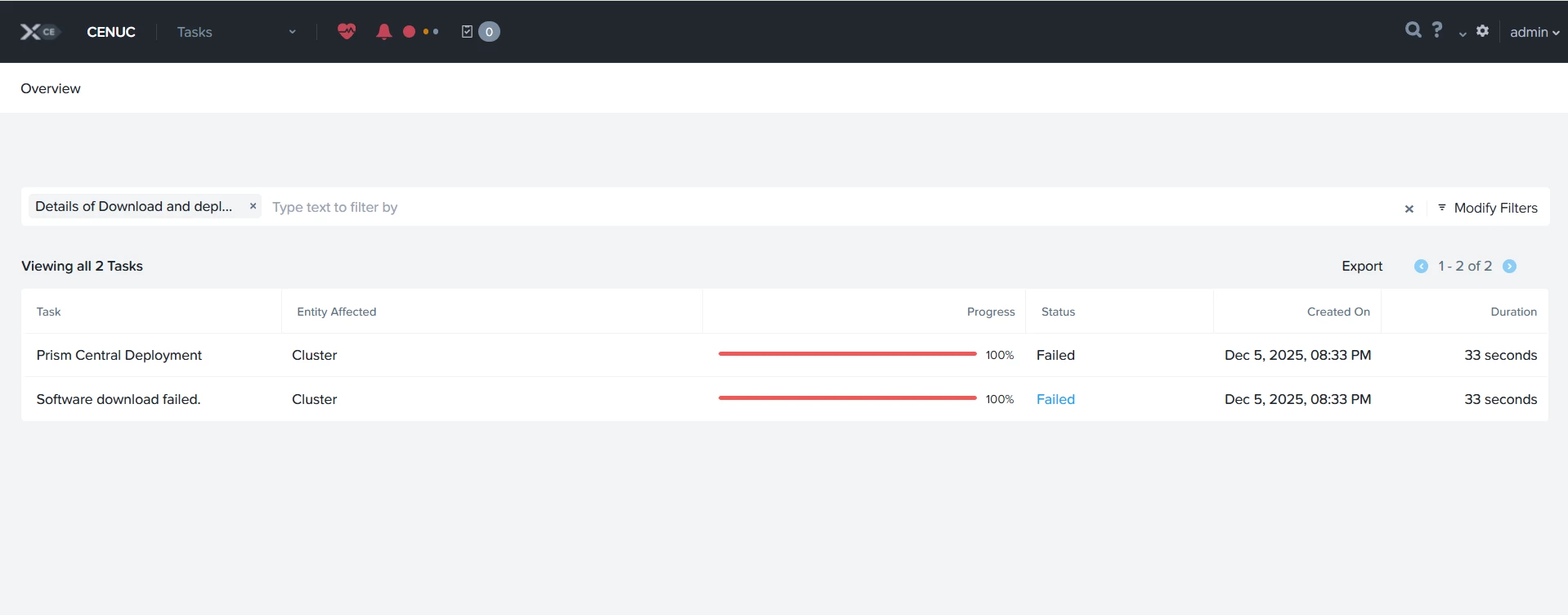
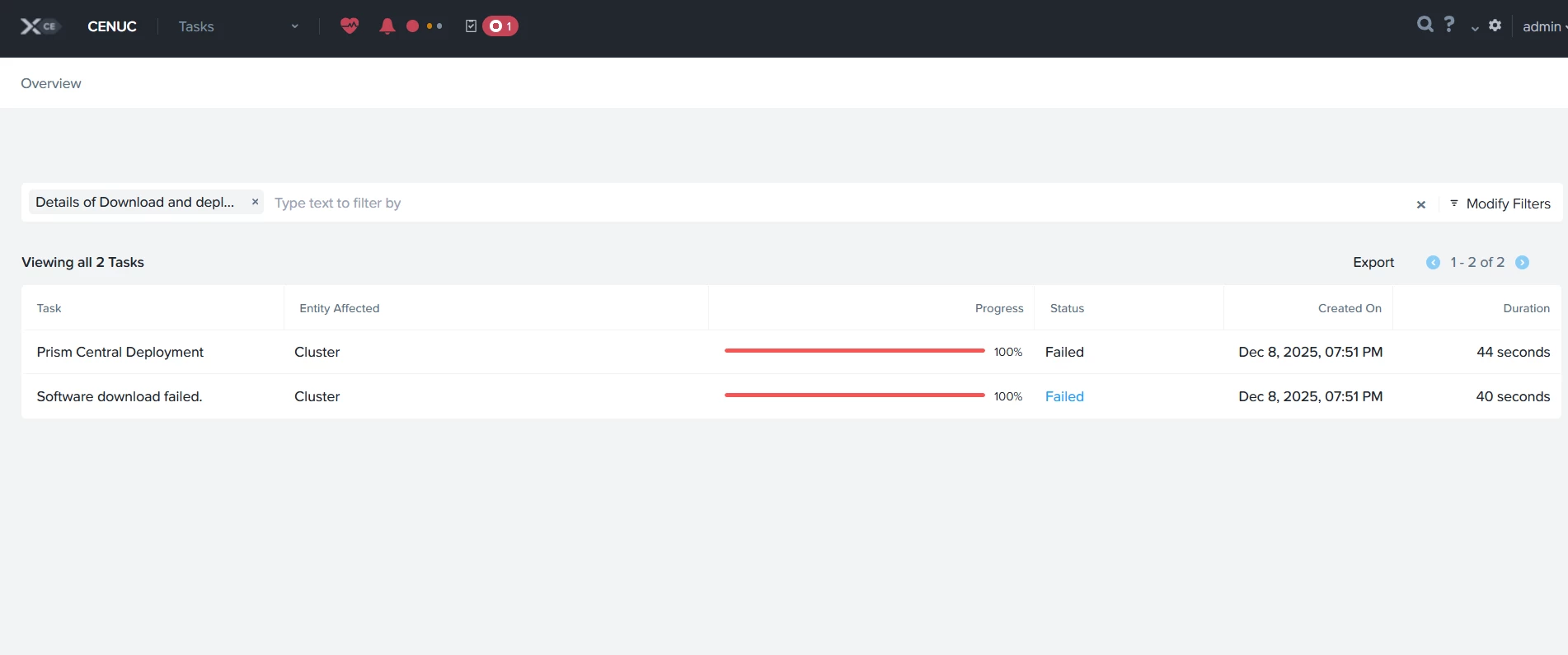
We have increased RAM from 32 Gb to 64 GB, then data service IP conflict was not occurred, but when we create a prism central from prism element dashboard,  we were getting below issue.


Can you pls guide into it?​​​​​​


JeroenTielen
Forum|alt.badge.img+8
  • Vanguard
  • December 8, 2025

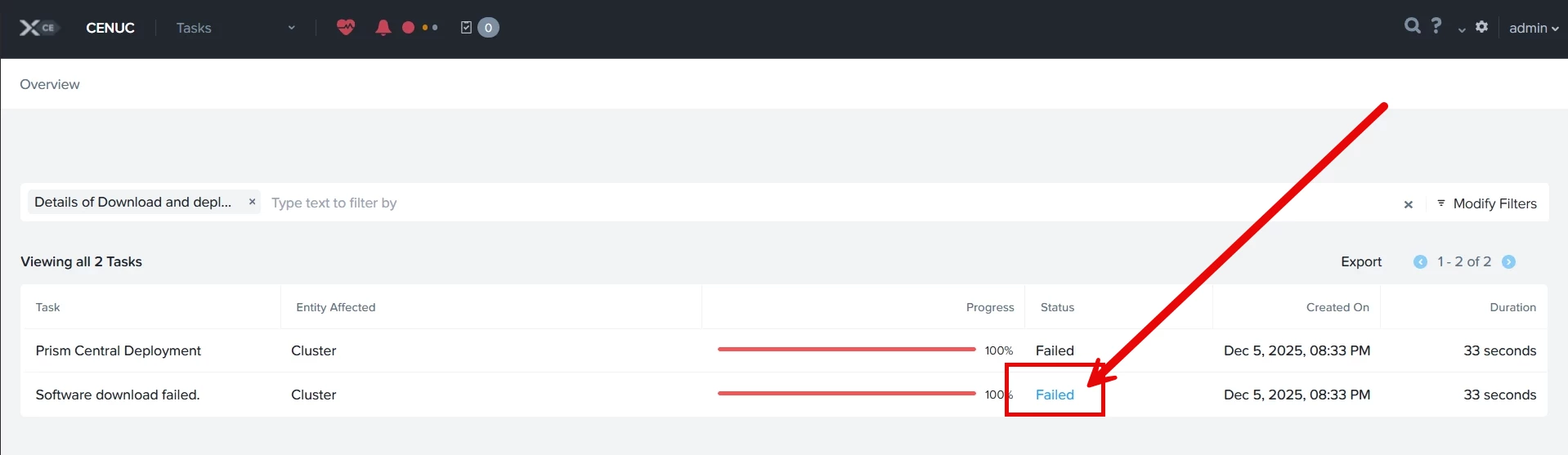
If you click/hover over the failed you can see what the actual error is. 


Forum|alt.badge.img+1
  • Author
  • Trailblazer
  • December 8, 2025

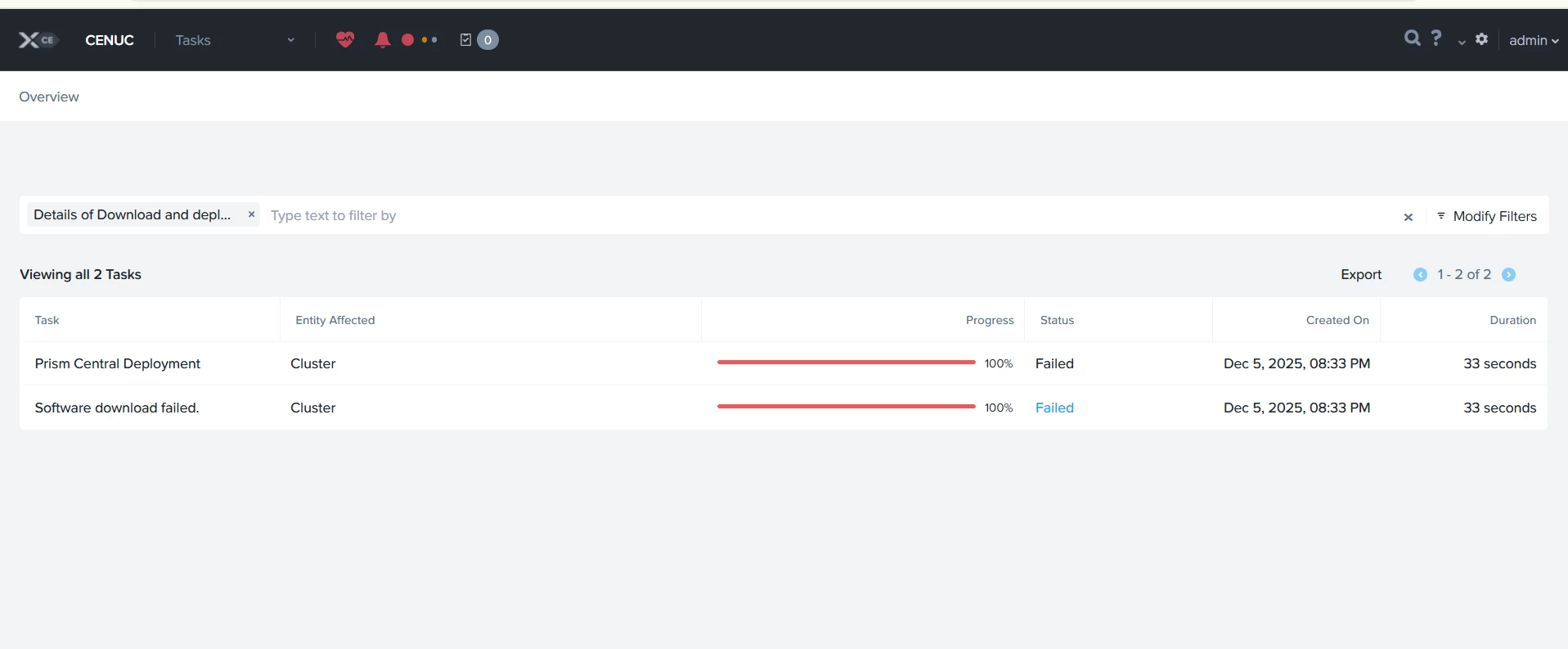
There was nothing to click on in it; you can check the screenshot.


JeroenTielen
Forum|alt.badge.img+8
  • Vanguard
  • December 8, 2025

Yes there is…. It is click or hover. 


Forum|alt.badge.img+1
  • Author
  • Trailblazer
  • December 8, 2025

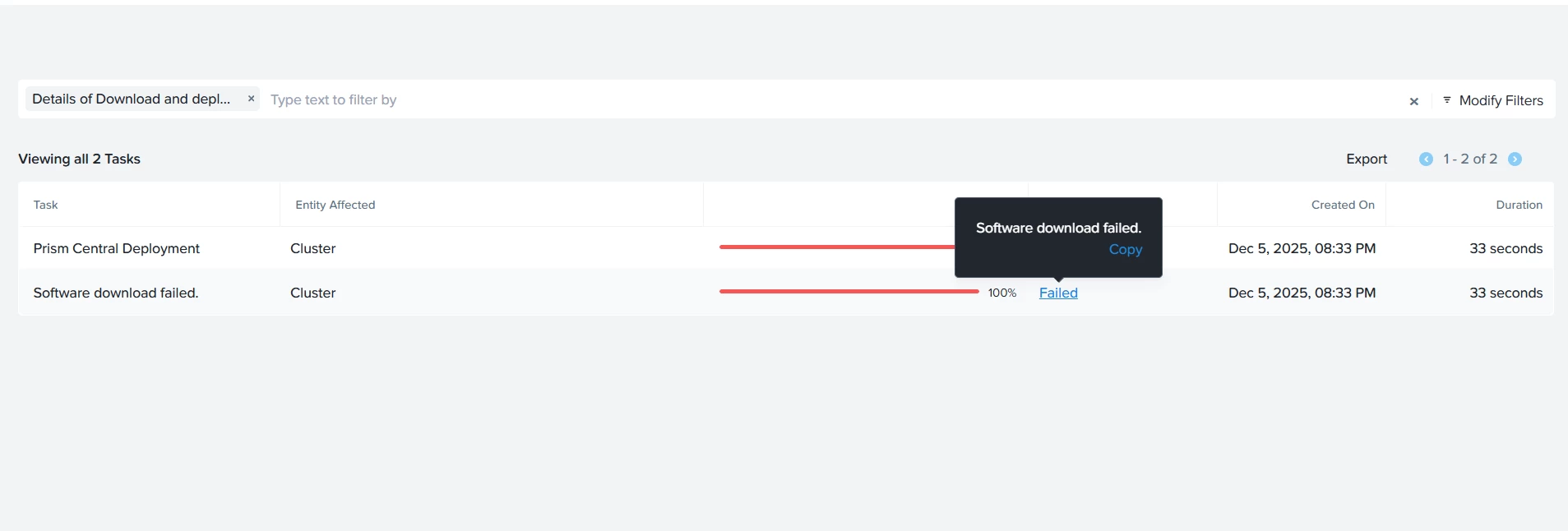
Yes, when I click on that, it copies the same text (Software download failed)


JeroenTielen
Forum|alt.badge.img+8
  • Vanguard
  • December 8, 2025

Does the cluster has correct internet access? Is there a proxy in between? Is there a firewall in between that is blocking the download? 


If you have access you can download the required pc directly from portal.nutanix.com and upload is manual to install it. 


Forum|alt.badge.img+1
  • Author
  • Trailblazer
  • December 8, 2025

Yes, cluster has the correct internet access. 


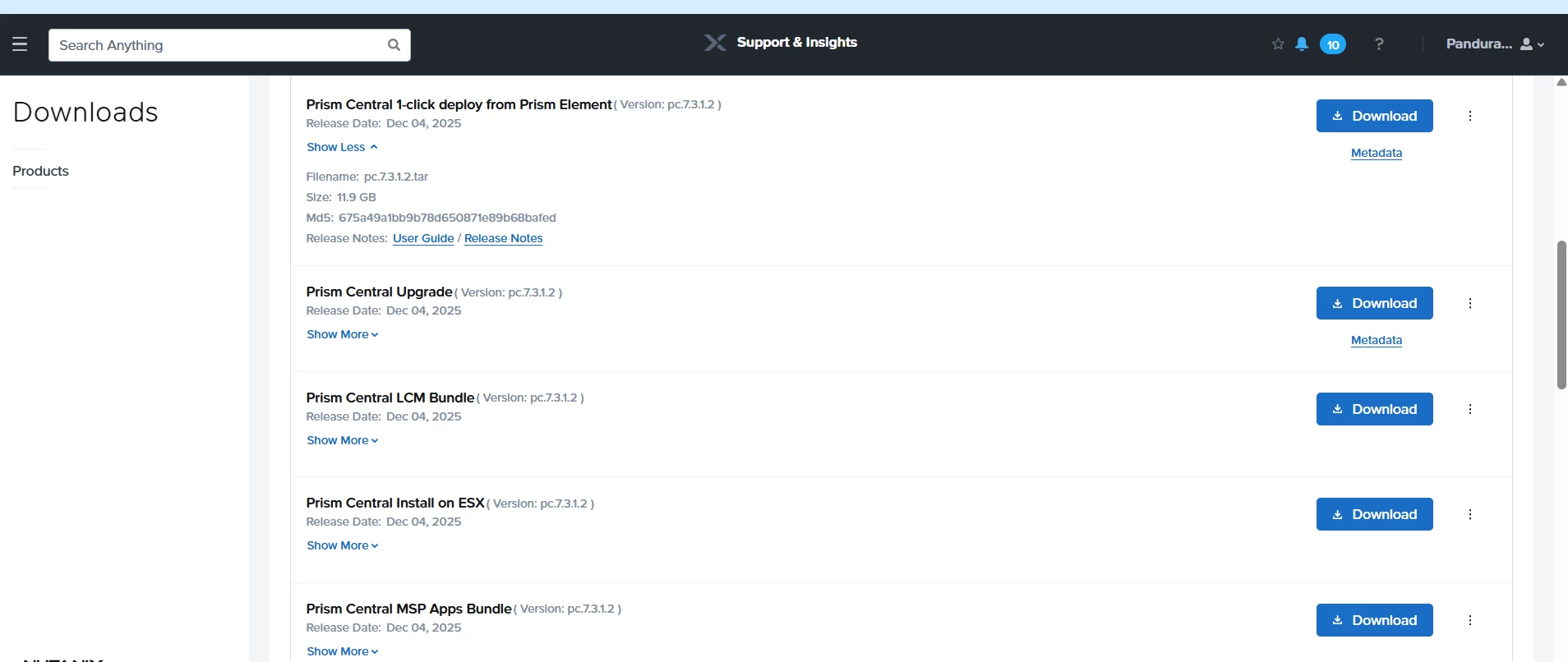
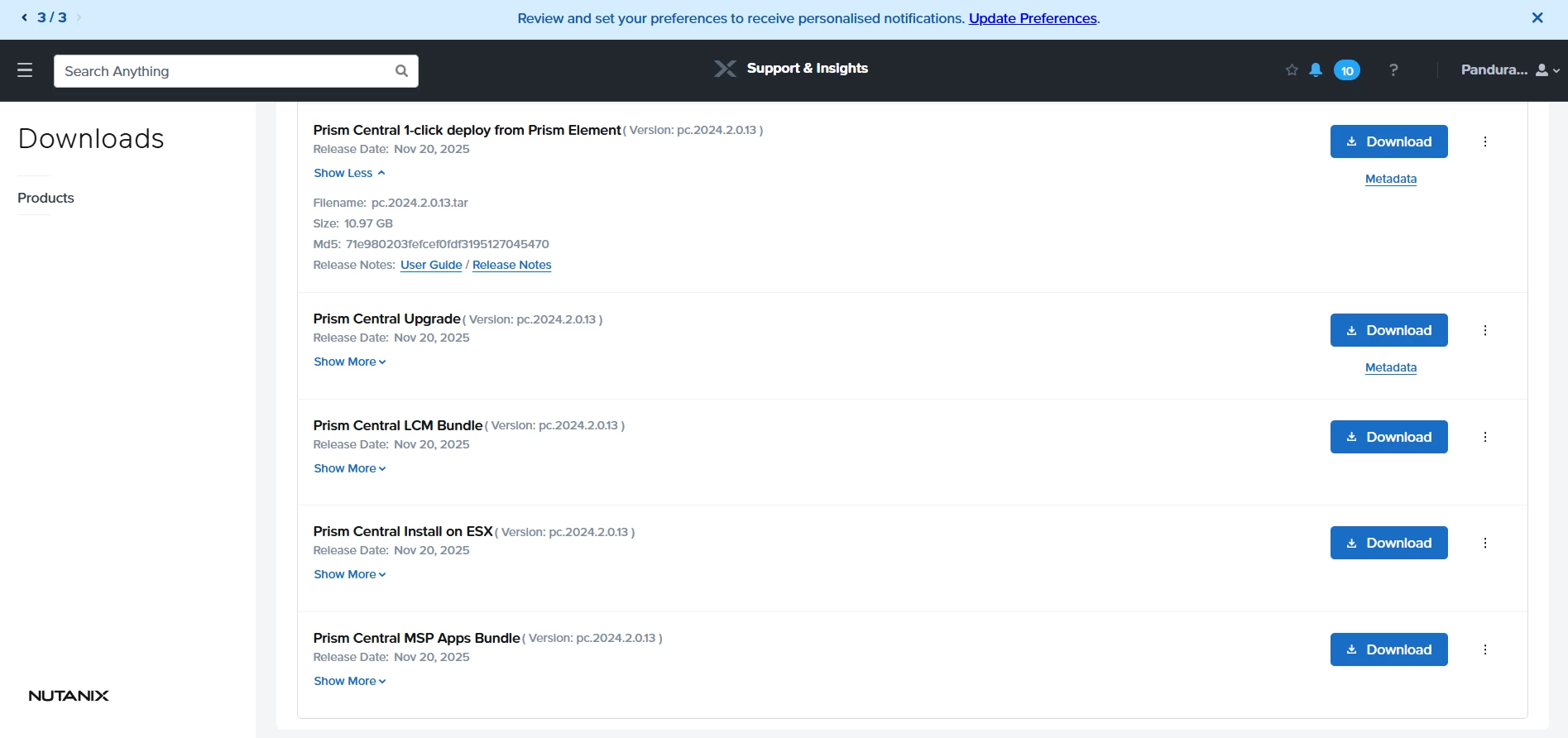
Do I need to download Prism Central manually and upload it? I have installed the version below. Besides this, do I need to download anything else related to it, such as a metadata file?

file name: pc.2020.11-install


JeroenTielen
Forum|alt.badge.img+8
  • Vanguard
  • December 8, 2025

You don’t need to do that… But if the download fails that is an option. 


Forum|alt.badge.img+1
  • Author
  • Trailblazer
  • December 8, 2025

Based on the current failure, only the download was failing, right?


JeroenTielen
Forum|alt.badge.img+8
  • Vanguard
  • December 8, 2025

Correct


Forum|alt.badge.img+1
  • Author
  • Trailblazer
  • December 8, 2025

Do you have a complete guide for this? That would make the process much faster.


Forum|alt.badge.img+1
  • Author
  • Trailblazer
  • December 8, 2025

which one i need to download?


JeroenTielen
Forum|alt.badge.img+8
  • Vanguard
  • December 8, 2025

The one you want ;) 


AOS 6.8.1 works with pc.2024.3.1.10 so I would pick that one. (installer file and metadata file)


Forum|alt.badge.img+1
  • Author
  • Trailblazer
  • December 8, 2025

Thanks, i will download the same and let you know. 


Pls share any document related to it.


Forum|alt.badge.img+1
  • Author
  • Trailblazer
  • December 8, 2025

Hey,


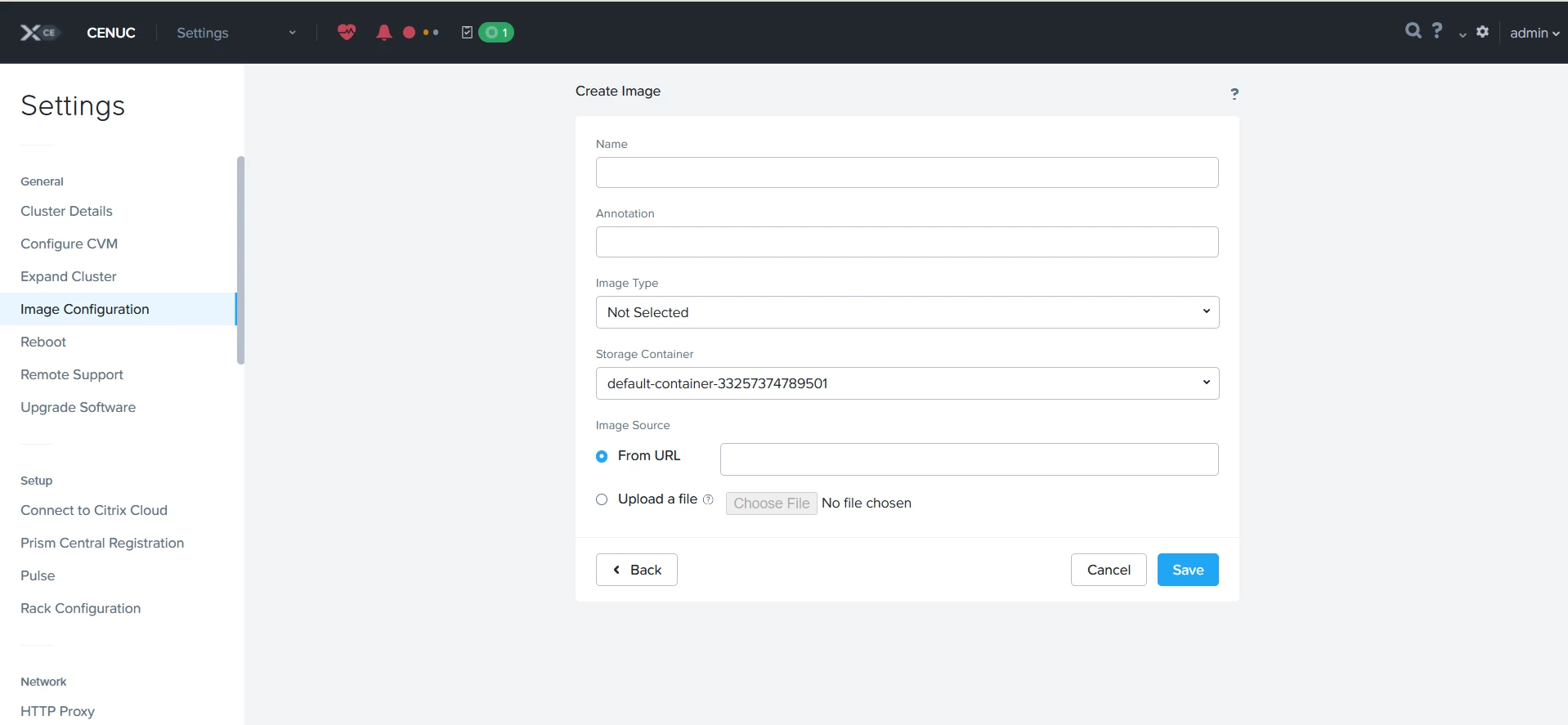
Do i need to go here to upload the prism central which i have downloaded.


JeroenTielen
Forum|alt.badge.img+8
  • Vanguard
  • December 8, 2025

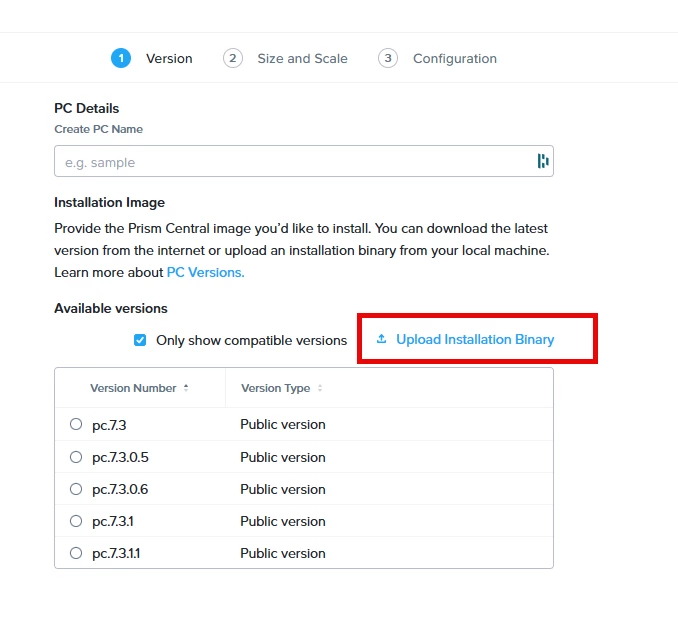
No, here:  (when deploying prism central there is an upload button)


Forum|alt.badge.img+1
  • Author
  • Trailblazer
  • December 8, 2025

Oh, thanks. Will do it.


Forum|alt.badge.img+1
  • Author
  • Trailblazer
  • December 8, 2025

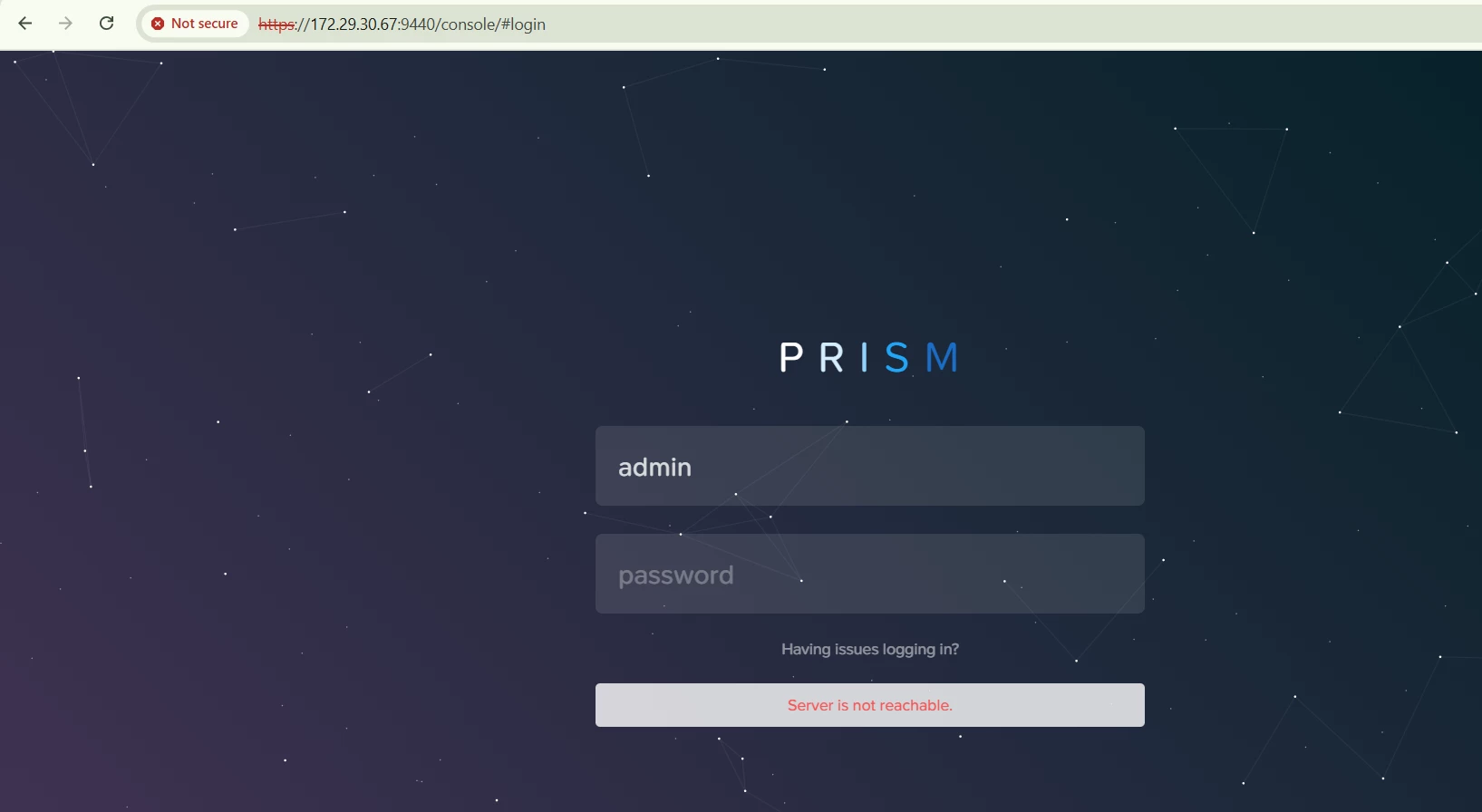
When I uploaded the prism and metadata and logged in again after the session expired, the issue below occurred, even though I was able to access the CLI. Could you pls helm me, what happened actually.


Forum|alt.badge.img+1
  • Author
  • Trailblazer
  • December 8, 2025

Still getting the same issue, when the pc and metadata uploaded.