Question

Installation Nutanix on Dell Power Edge R740xd

  • December 7, 2025
  • 11 replies
  • 138 views

Forum|alt.badge.img

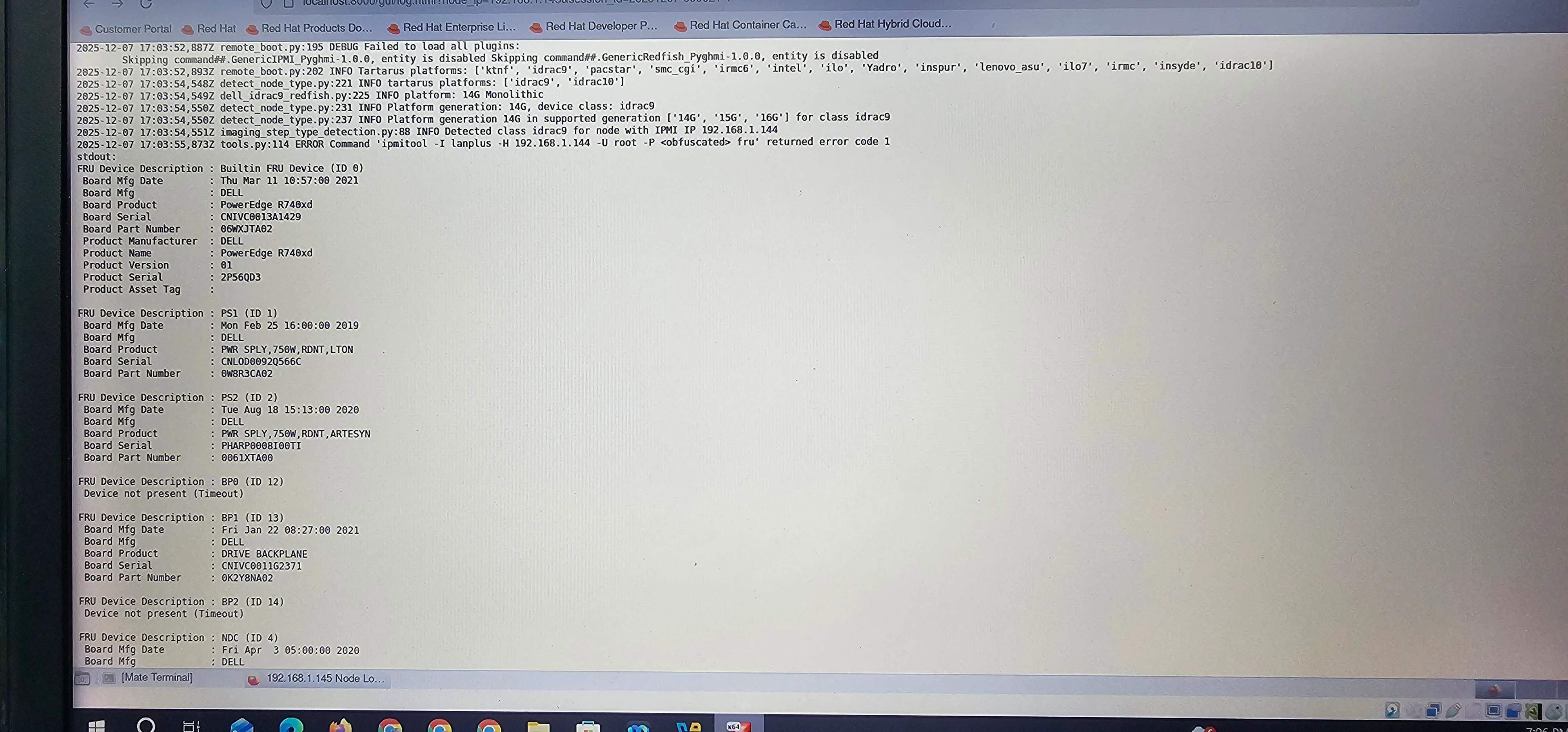
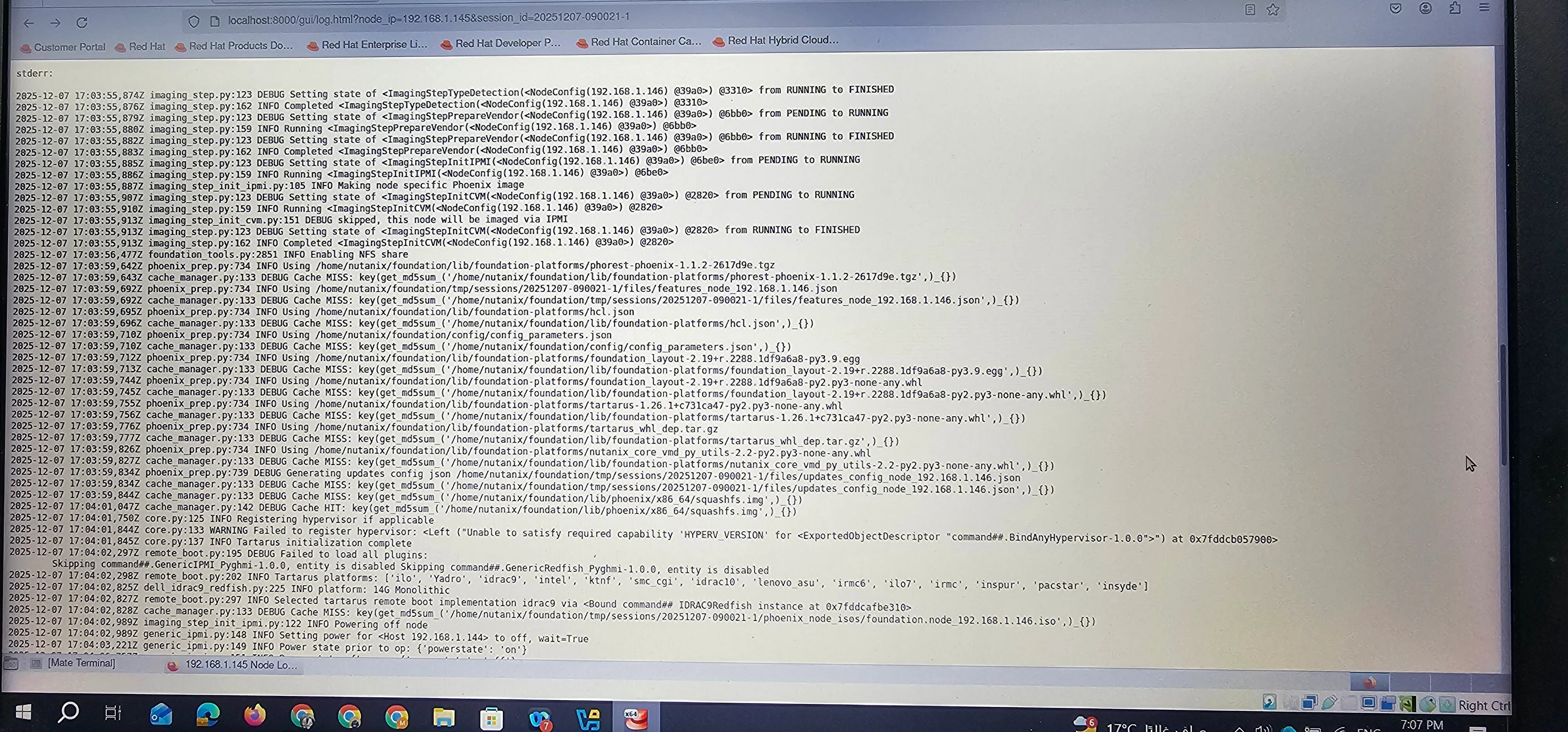
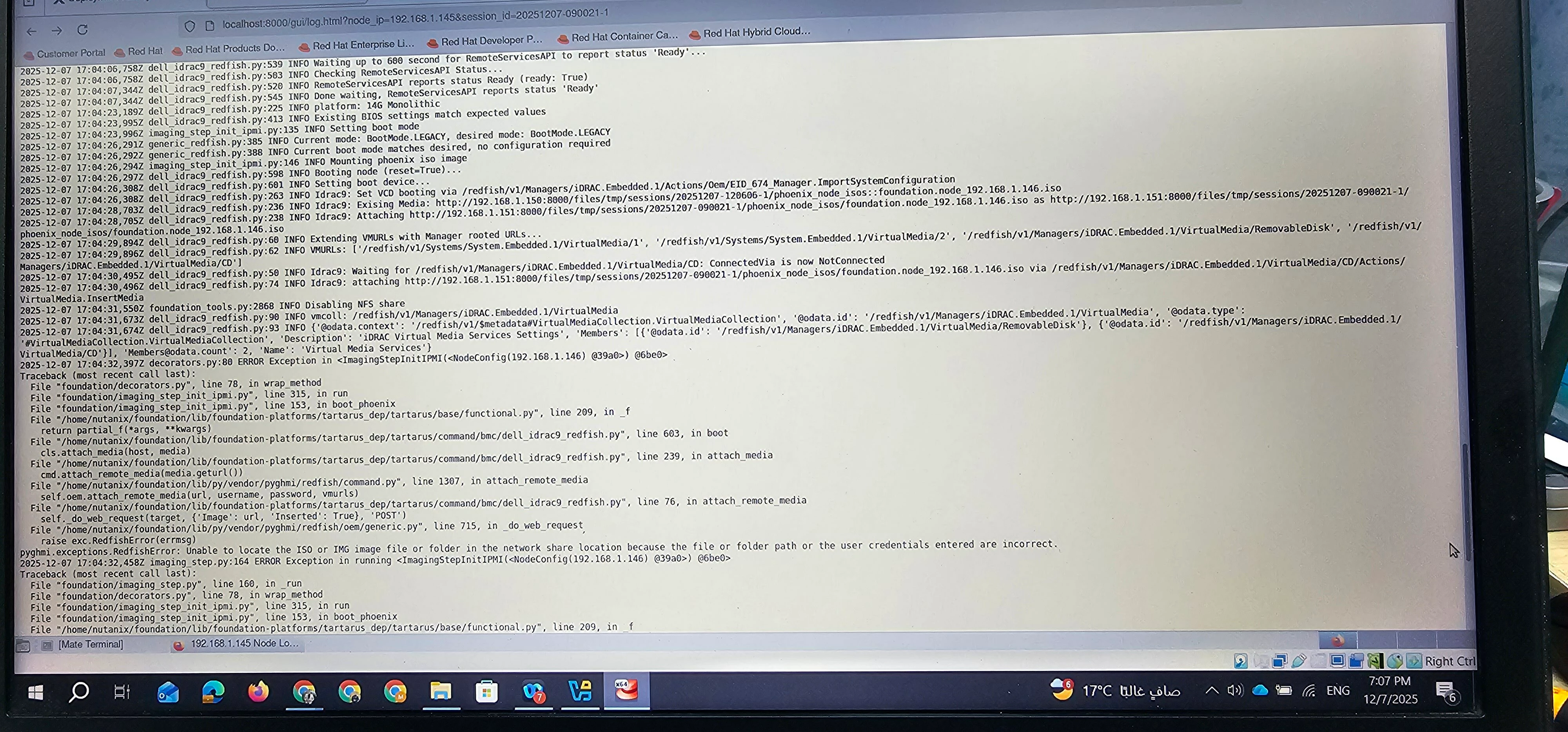
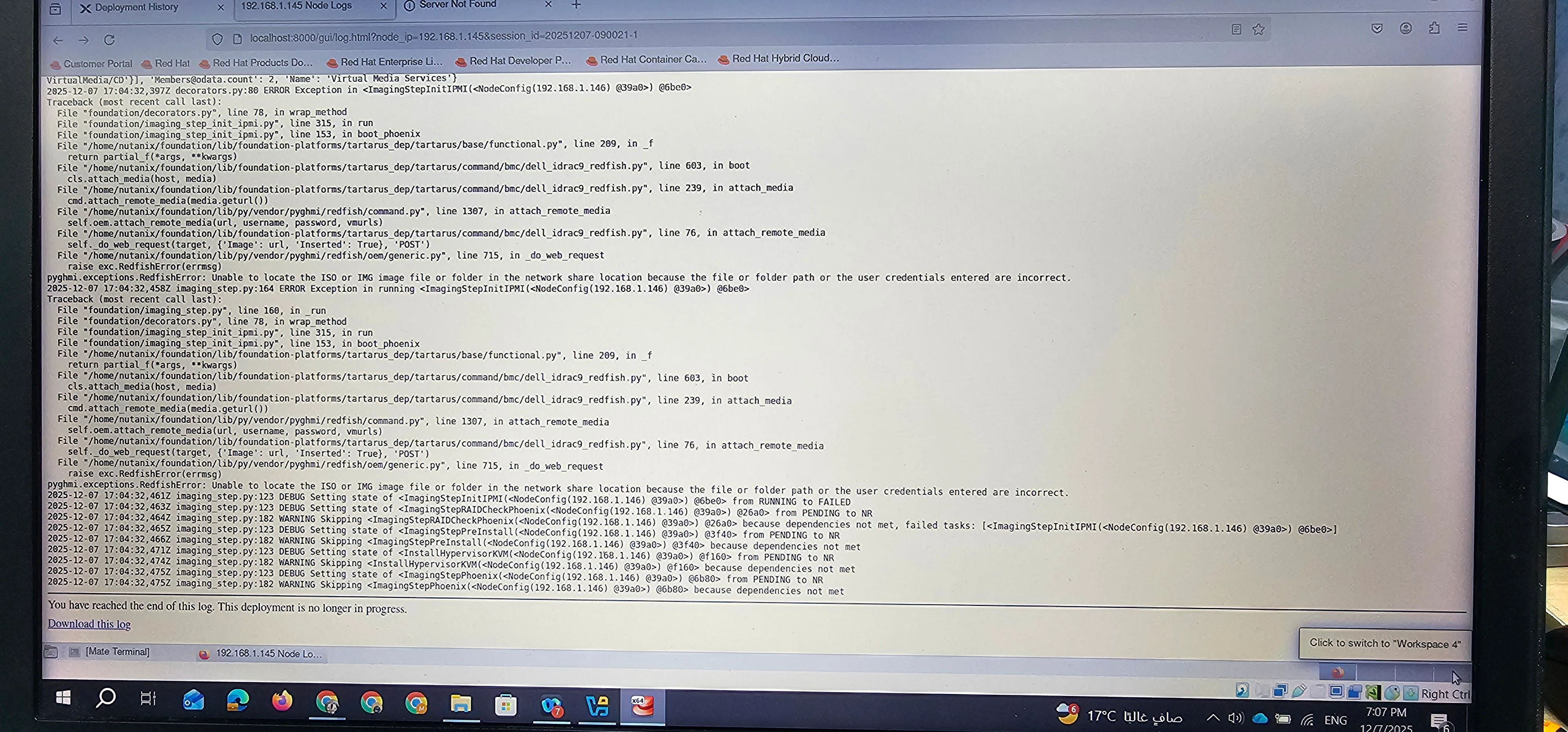
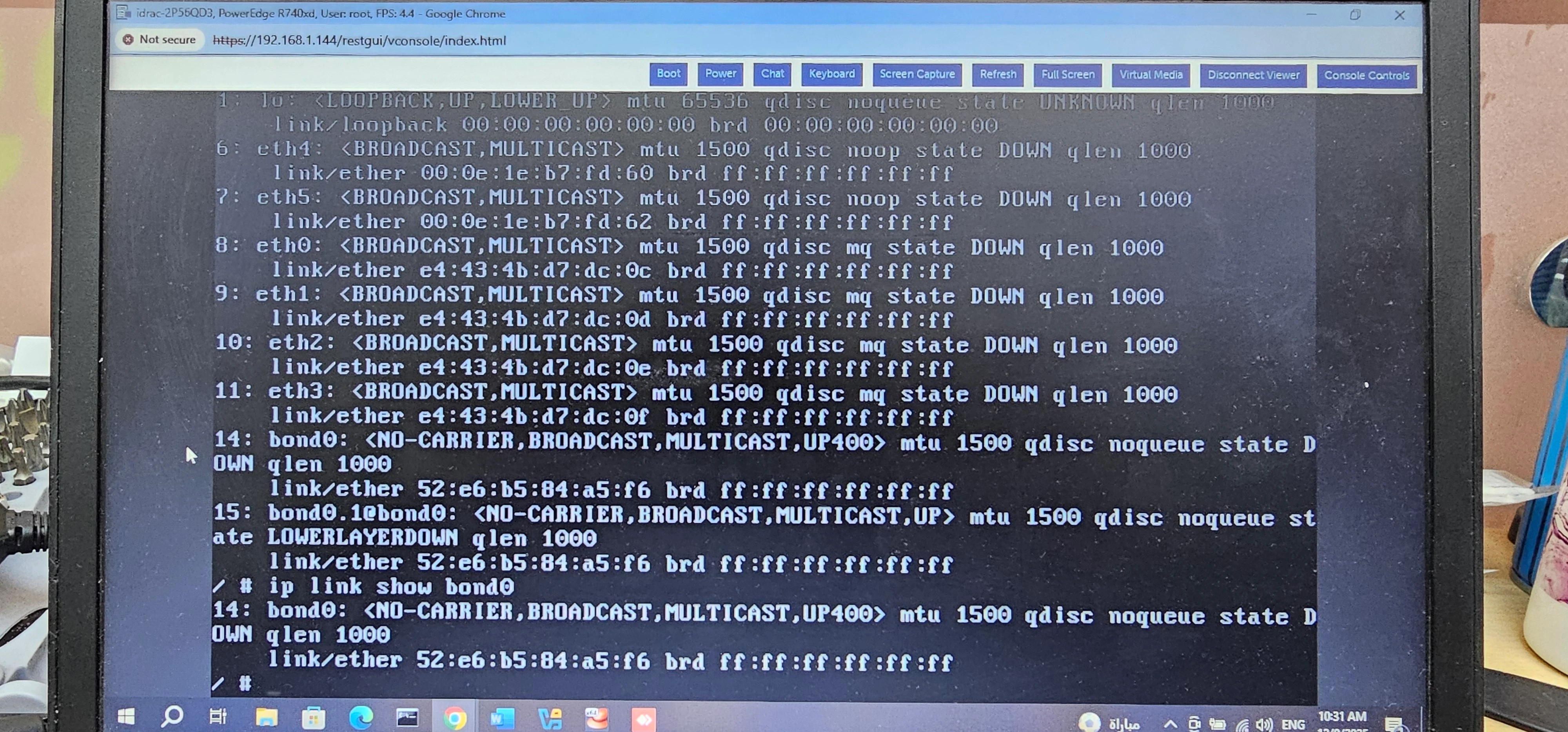
I want to Install Nutanix on Dell power edge R740xd but i faced lots of error, there log screens show these errors 
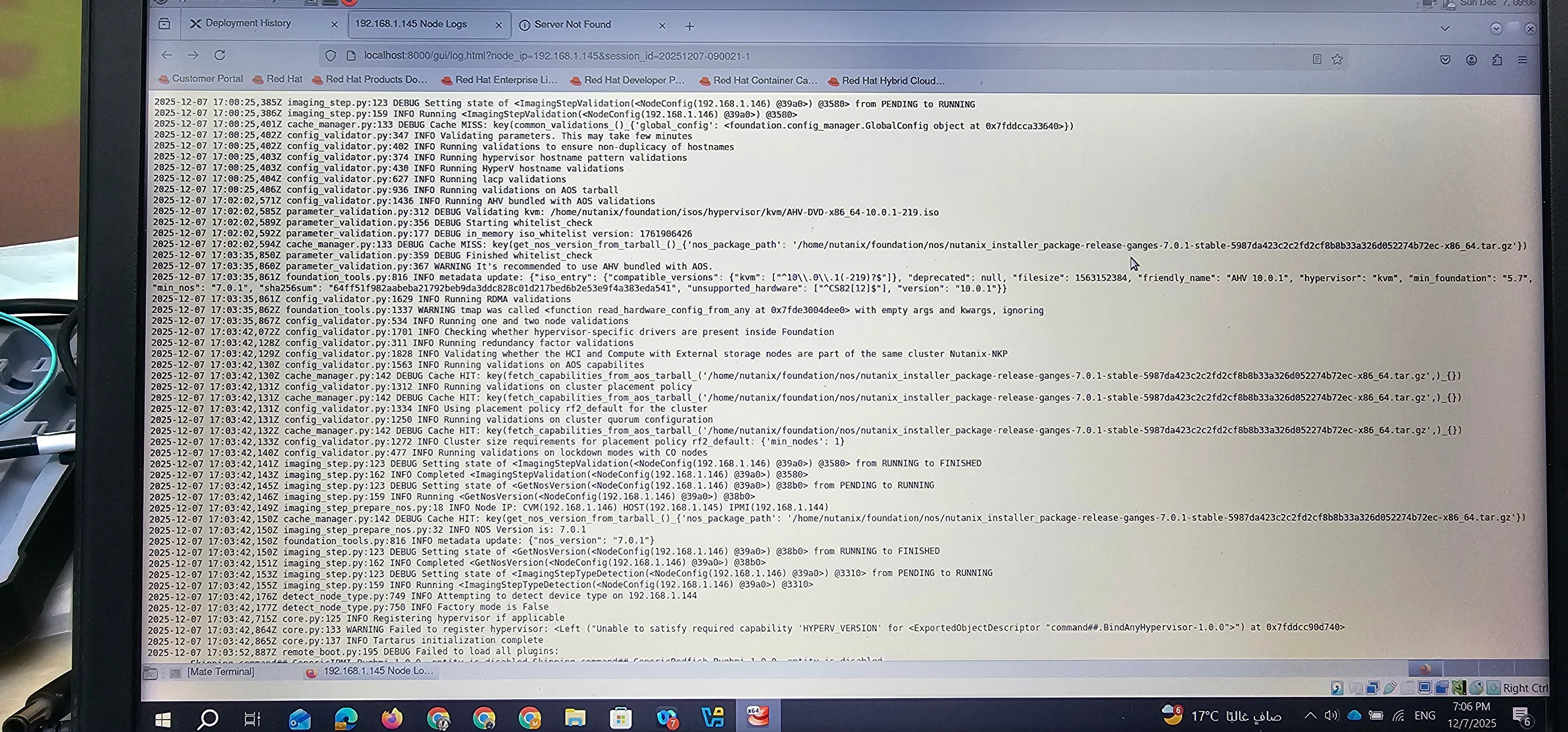
When i Used nutanix foundation for windows the error i faced IPMItools is missing, i tried foundation on virtualbox but still ipmi can,t mount iso file 

What should I do to run this lab successfully 🤔

11 replies

JeroenTielen
Forum|alt.badge.img+8
  • Vanguard
  • December 8, 2025

Try to factory reset the iDrac (keep username and network settings).


Forum|alt.badge.img
  • Author
  • Adventurer
  • December 8, 2025

I Did it before but still face issue (Network link Bonding Failure)


JeroenTielen
Forum|alt.badge.img+8
  • Vanguard
  • December 8, 2025

Are all firewall requirements correct for the foundation? 

What type of networking did you setup in virtual box for the foundation vm? (bridge/nat?) Use bridge.


Forum|alt.badge.img
  • Author
  • Adventurer
  • December 8, 2025

I Tried both foundation , foundation for windows and vm i used bridge and pingable to IDRAC the foundation start successfully in phase 1 when mounting and check eth0 many tries and at the end fail 🙃 if any check on server network ?


Forum|alt.badge.img
  • Author
  • Adventurer
  • December 9, 2025

Now i Face this Issue how can i solve it 


@mahmoud.ashraf looks like your network is not up and running. How are the switches configured? Is there connection between IPMI/iDRAC network and infrastructure network (Host & CVM IPs)?

Or try with a "flat” switch where you connect laptop, iDRAC & 1 infra port to eliminate network issues and perform the foundation


JeroenTielen
Forum|alt.badge.img+8
  • Vanguard
  • December 10, 2025

The node should be able to talk to foundation via the iDrac and via the normal interfaces. You can look up firewall requirements here: https://portal.nutanix.com/page/documents/ports-and-protocols?productType=Foundation


Forum|alt.badge.img
  • Author
  • Adventurer
  • December 14, 2025

I Use Flat Switch Non Configured, Using 3 port only 1G 
1 For My lab 
1 For IDRAC 
1 For eth0

Now I face This Issue:

2025-12-14 17:35:20,266Z log.py:102 INFO imagingUtil.py:808 Imaging thread 'svm' failed with reason [None]
2025-12-14 17:35:20,274Z log.py:102 CRITICAL AOS installation failed. Reason: None
2025-12-14 17:35:20,713Z decorators.py:80 ERROR Exception in <ImagingStepPhoenix(<NodeConfig(192.168.1.146) @13d0>) @1850>
Traceback (most recent call last):
  File "foundation\decorators.py", line 78, in wrap_method
  File "foundation\imaging_step_phoenix.py", line 569, in run
  File "foundation\imaging_step.py", line 349, in wait_for_event
Exception: Received "fatal" in waiting for event "Rebooting node. This may take several minutes": AOS installation failed. Reason: None
2025-12-14 17:35:20,711Z imaging_step.py:164 ERROR Exception in running <InstallHypervisorKVM(<NodeConfig(192.168.1.146) @13d0>) @ffd0>
Traceback (most recent call last):
  File "foundation\imaging_step.py", line 160, in _run
  File "foundation\imaging_step_hypervisor.py", line 53, in run
  File "foundation\imaging_step.py", line 349, in wait_for_event
Exception: Received "fatal" in waiting for event "Installing AHV": AOS installation failed. Reason: None
2025-12-14 17:35:20,736Z imaging_step.py:123 DEBUG Setting state of <InstallHypervisorKVM(<NodeConfig(192.168.1.146) @13d0>) @ffd0> from RUNNING to FAILED
2025-12-14 17:35:20,771Z imaging_step.py:164 ERROR Exception in running <ImagingStepPhoenix(<NodeConfig(192.168.1.146) @13d0>) @1850>
Traceback (most recent call last):
  File "foundation\imaging_step.py", line 160, in _run
  File "foundation\decorators.py", line 78, in wrap_method
  File "foundation\imaging_step_phoenix.py", line 569, in run
  File "foundation\imaging_step.py", line 349, in wait_for_event
Exception: Received "fatal" in waiting for event "Rebooting node. This may take several minutes": AOS installation failed. Reason: None
2025-12-14 17:35:20,776Z imaging_step.py:123 DEBUG Setting state of <ImagingStepPhoenix(<NodeConfig(192.168.1.146) @13d0>) @1850> from RUNNING to FAILED
 

and From IDRAC see [root@phonenix~]#

from that i can ping 
IDRAC IP 
CVM IP


Forum|alt.badge.img
  • Author
  • Adventurer
  • December 14, 2025

Server: Dell Power Edge R740
BIOS Version: 2.24.0
iDRAC Firmware:7.00.00.182
AOS: 7.3
AHV:10.3


JeroenTielen
Forum|alt.badge.img+8
  • Vanguard
  • December 15, 2025

There should be more info in the foundation logs. Can you paste the complete log of the node?


Forum|alt.badge.img
  • Author
  • Adventurer
  • December 16, 2025

Logs From Foundation
Kindly find the attached log file from this link because can’t Upload here it is large file