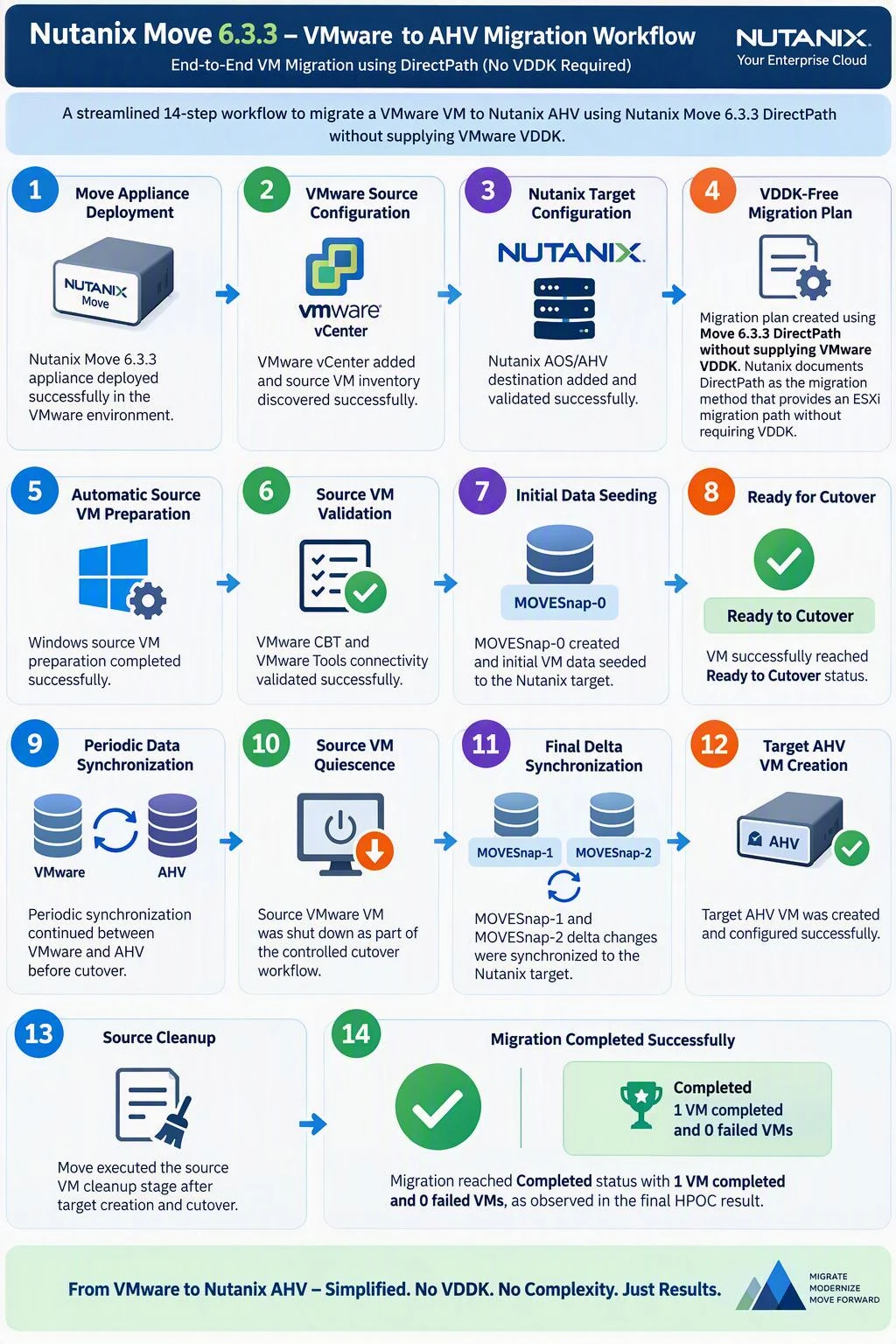
- Move Appliance Deployment
Nutanix Move 6.3.3 appliance deployed successfully in the VMware environment. - VMware Source Configuration
VMware vCenter added and source VM inventory discovered successfully. - Nutanix Target Configuration
Nutanix AOS/AHV destination added and validated successfully. - VDDK-Free Migration Plan
Migration plan created using Move 6.3.3 DirectPath without supplying VMware VDDK. Nutanix documents DirectPath as the Move 6.3.3 migration method that provides an ESXi migration path without requiring VDDK. - Automatic Source VM Preparation
Windows source VM preparation completed successfully. - Source VM Validation
VMware CBT and VMware Tools connectivity validated successfully. - Initial Data Seeding
MOVESnap-0created and initial VM data seeded to the Nutanix target. - Ready for Cutover
VM successfully reached Ready to Cutover status. - Periodic Data Synchronization
Periodic synchronization continued between VMware and AHV before cutover. - Source VM Quiescence
Source VMware VM was shut down as part of the controlled cutover workflow. - Final Delta Synchronization
MOVESnap-1andMOVESnap-2delta changes were synchronized to the Nutanix target. - Target AHV VM Creation
Target AHV VM was created and configured successfully. - Source Cleanup
Move executed the source VM cleanup stage after target creation and cutover. - Migration Completed Successfully
Migration reached Completed status with 1 VM completed and 0 failed VMs, as observed in the final HPOC result.

End-to-End Migration Workflow ESXi to AHV




Enter your E-mail address. We'll send you an e-mail with instructions to reset your password.