
Question

Issues deploying X-ray

  • December 18, 2025
  • 3 replies
  • 23 views

Forum|alt.badge.img+1

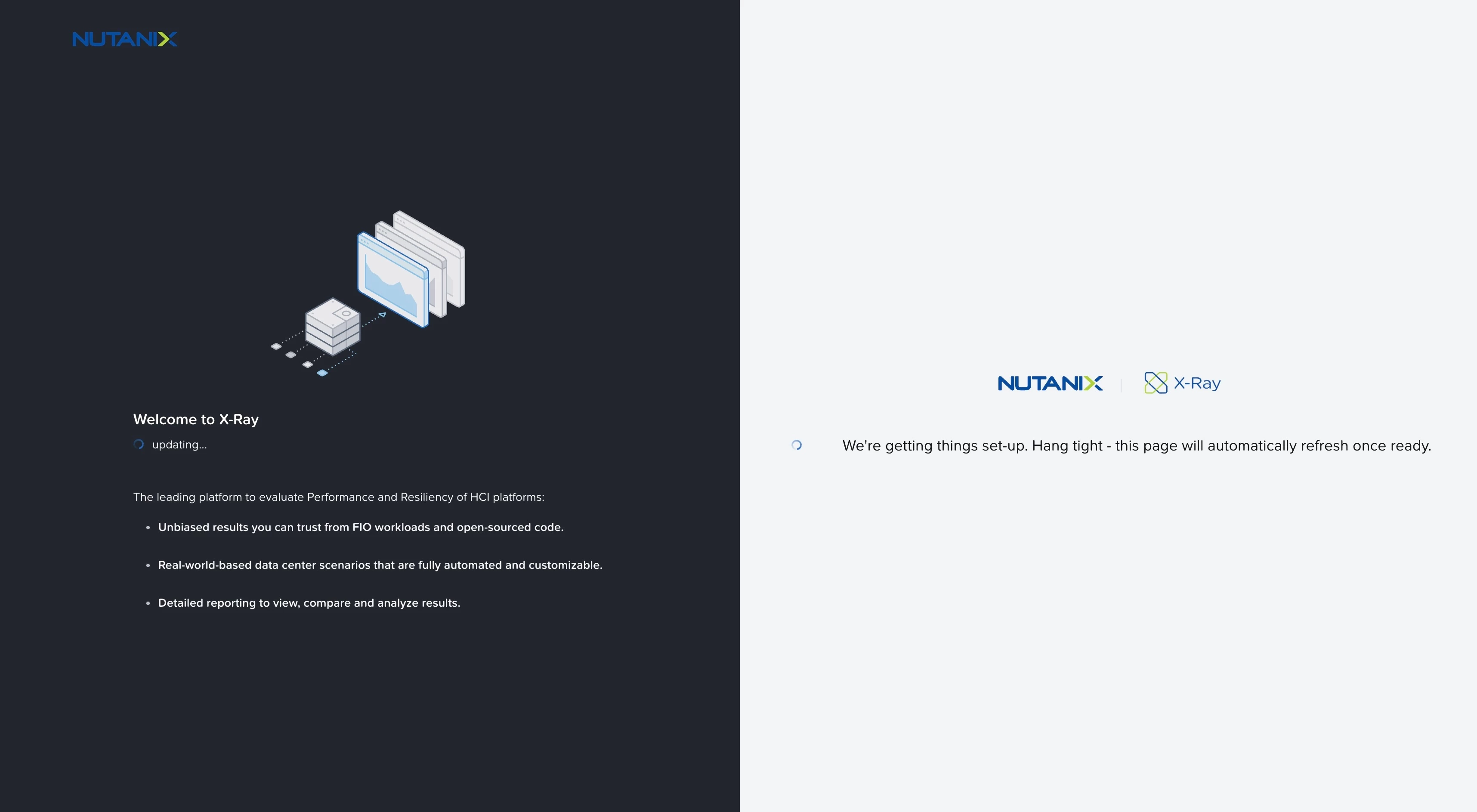
Hi. I having a terrible time trying to deploy X-ray in vCenter. It just sits and says updating forever. Attached screen shot. Some questions.

X-ray has 2 nics apparently, the second one being labled NODCHP, which is good as we do not have dhcp on the test network we will be doing on. 

As for the mgt nic/ip, does it need internet access to get anything? The nutanix ports page do not say it does, yet the documetnation states how to add a proxy. I have tried with and without a proxy and it just will just hang on that updating page for days. 

Can someone point me in a direction to look at? Thank you!
 

3 replies

Kapil Mahalavat

It appears you may be running into a known issue with X-Ray 6.2. Our team is actively working on a fix. As a temporary workaround, we recommend using X-Ray 5.3 until the issue is resolved.
You can download X-Ray 5.3 from the Nutanix Portal by navigating to :
https://portal.nutanix.com/page/products?product=xray


The second NIC is used for link local access to the workloads run by X-Ray. X-Ray doesn't need any internet access to run and works fine at dark sites.


Please let us know if you need any assistance or have additional questions.


Forum|alt.badge.img+1
  • Author
  • Adventurer
  • December 19, 2025

Thank you! I will try downgrading tomorrow. I am excited to use this tool. We just bought a small 3-node cluster to evaluate for possibly moving off VMware.


Forum|alt.badge.img+1
  • Author
  • Adventurer
  • December 19, 2025

Downgrading worked. This is impressive set of tests! It seems I will have to modify the tests as we have a small cluster. 

One question: How do you not create a runaway cluster? If you run some test that hammers it so hard that xray cant communicate anymore to stop it? I hope I am making sense. 

Thank you!